

Salesforce Messaging and Calling in Minutes, Not Days
Get up and running with Textolic in just a few steps. From installation to live messaging, everything is designed to be simple, fast, and hassle-free.
How It Works
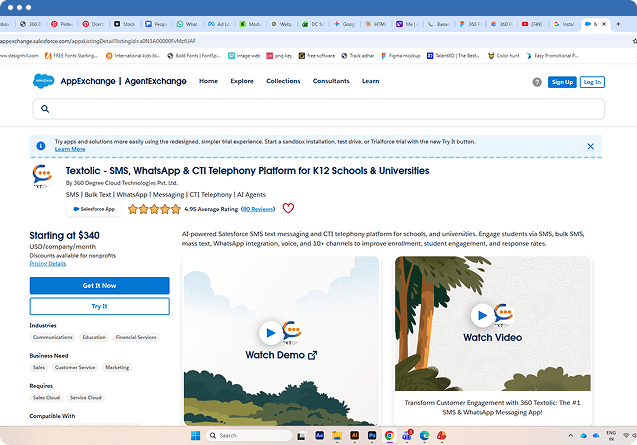
01. Install from AppExchange
Begin by installing Textolic directly from AppExchange into your Salesforce environment. The setup is quick and requires no additional integrations or third-party tools, so you can get started without delays.
02. Sync Data and Activate Trial
Once installed, click the incoming/outgoing option to sync changes and activate your default US number for trial. This ensures all interactions are captured in real time while enabling you to start messaging instantly.


03. Explore with the Trial Number
Use the default US number to explore messaging and calling features across your workflows. This allows you to test real-time conversations, campaigns, and automation before moving to full-scale usage.
04. Configure Setup and Go Live
Share your requirements, org ID, and number preferences with the support team. Based on your needs, the team configures the setup and activates your org for seamless messaging and calling.

Subscribe to our newsletter
Stay ahead with expert insights, industry trends, and exclusive resources—delivered straight to your inbox.
