



Salesforce Migration from Classic to Lightning: Why Waiting Is a Risk in 2025
01 May 2025
Table of Contents
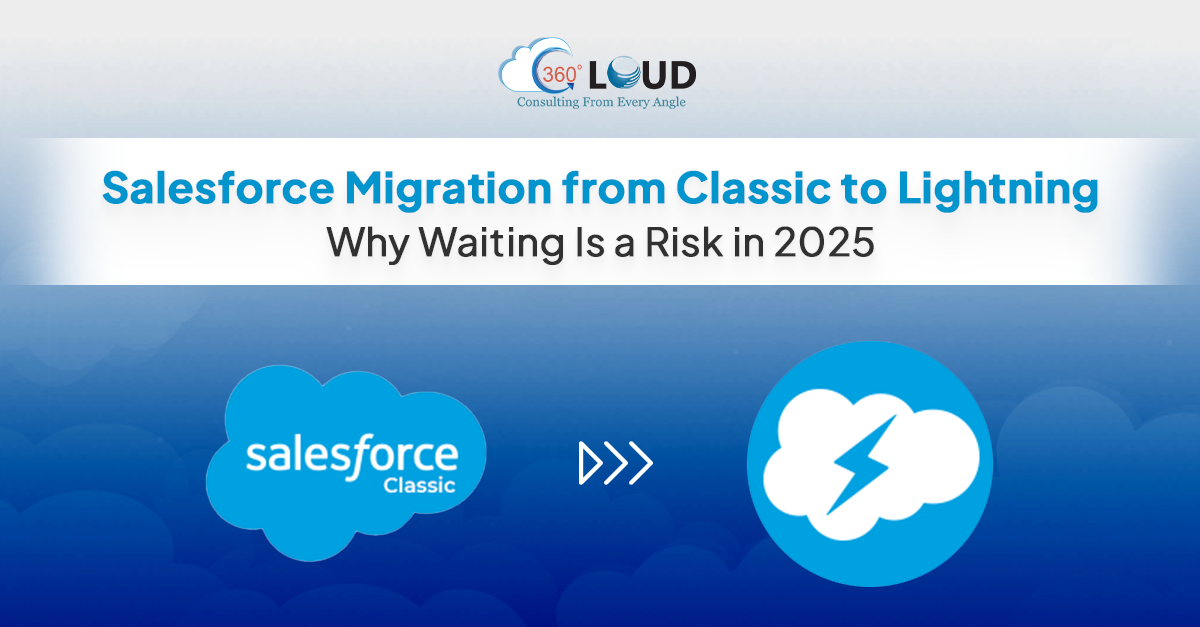
Salesforce Classic used to be the prime interface for Salesforce users until 2016. Then, the company rolled out a new and improved interface for Salesforce Lightning. It has a refreshed UI that focuses on displaying the information in a visually appealing way. For the last few years, the Salesforce migration from Classic to Lightning Experience has been more of a nice-to-have than a necessity. But in 2025, the scenario has changed. It is no longer a matter of if your organization should migrate to Lightning; it’s why you haven’t already.
In this blog post, we’ll talk about why Salesforce migration to Lightning is crucial and why it can be a strategic and operational risk if you don’t do it.
Table of Contents
5 Reasons You Need Salesforce Migration From Classic to Lightning
Salesforce Lightning is the next generation of Salesforce. It is a powerful platform for fast and easy app development and an AppExchange ecosystem for ready-to-install solutions. Let’s take a look at the other benefits and reasons for Salesforce migration.
1. Salesforce Will Stop Supporting Classic Sooner or Later
Let’s be honest. You can’t keep using Salesforce Classic forever. Salesforce introduced the Lightning version a long time ago to introduce a whole new way for users to sell. After that, the company has been promoting the Lightning Experience and encouraging the users to switch. Also, they have introduced the ‘Turn on Lightning Experience‘ critical update in January 2020 that has enabled Lightning Experience for all orgs that haven’t already done so. The update was not a forced transition, but it is an excellent time to check if your Org is ready for Lightning. You can look for professional Salesforce migration services to make this process a breeze.
2. Salesforce Innovation Has Left Classic Behind
If you are a Classic user, you will not get any new features and updates. Salesforce has been clear that they wouldn’t add any features and enhancements to Salesforce Classic. This means that you will be spending your dollars on an outdated system, and you will miss out on great AI-infused features and enhancements. All innovation happens in Salesforce Lightning, including AppExchange development. It is very costly to support both versions, so most AppExchange Partners offer updates and feature rollouts for Lightning users only. If you stay on the Classic version, you’ll not be aligned with the future Salesforce roadmap.
3. The Cost of Technical Debt is Rising
Every extra day you delay the Salesforce migration from Classic to Lightning, you are accumulating technical debt, which is compounding. If you are on the Classic version, your teams are still creating customizations, reports, workflows, and automations on top of a system that Salesforce no longer updates. And when you finally decide to migrate to Lightning, all of those Classic-based setups may need to be rebuilt or replaced, ultimately adding time, cost, and complexity to the migration. In 2025, if you delay your migration move, it will often end up being more expensive than doing migration now.
4. Boost Team Productivity by 20 Times
Lightning Experience is not limited to just a UI overhaul. It adds to the productivity layer. It offers features like Kanban view, dynamic pages, advanced analytics dashboards, AI integration, integrated flow automation, etc. These features are built to help your teams move faster, close more deals, and deliver stellar customer experiences. Sticking to Salesforce Classic may pose a risk for your business, and you might miss out on equipping your marketing, sales, and support teams with advanced tools.
5. Migration to Lightning Will Require At least Six Weeks
Salesforce migration from Classic to Lightning requires time and will easily take six weeks for switch. Also, you need to make sure to plan at least a few weeks before the post-launch activities to analyze performance, collect feedback, and make changes. Salesforce has not mentioned when they plan to phase out the Classic UI, but once it happens, businesses like yours will start looking for Salesforce consulting partners. So, you might have a hard time finding the right one who might be available right away. Therefore, we suggest you should start thinking about your migration strategy right now.
The Bottom Line
One of the best ways to drive Salesforce Lightning adoption is to deliver value. If your team seems to be reluctant to make the move, start by identifying the valuable features and benefits that Lightning has to offer to your team. Also, you can create a change management plan for your team to make the process smooth. Keep in mind that your team will always fear change, and they will always be too busy to make a transition, and the best time to make the switch is now. The sooner you start, the sooner you will be ready.
Ready to Make a Switch from Salesforce Classic to Lightning? Let’s Talk!
Our Salesforce experts would be happy to assist you in your migration process. Just drop us a line at contact@360degreecloud.com and we’ll take it from there!
Categories

Solve It with Salesforce. We’ll Show You How.
AI. Apps. Experts. Everything you need to win with Salesforce under one roof.Frequently Asked Questions
How to migrate from Classic to Lightning in Salesforce?
Ans. Start with Salesforce’s Lightning Experience Readiness Report to assess your org. Then: Identify key users and high-impact apps Prioritize features and components to migrate Use the Lightning App Builder and Lightning Migration Assistant Test thoroughly in a sandbox Train users and roll out in phases Partnering with a Salesforce expert can speed things up and help avoid costly mistakes.
How to convert a Classic app to a Lightning app?
Go to App Manager → Find your Classic app → Click “Upgrade”. From there, customize it using Lightning App Builder by adding pages, components, and user access. Make sure to test the functionality and align it with your business processes before going live.
What is the major difference between Salesforce Classic and Lightning?
Classic is basic and static. Lightning is dynamic, modern, and designed for speed and customization. Lightning has features Classic doesn’t—like drag-and-drop UI, AI insights, mobile optimization, and automated workflows.

About the author
Editorial TeamThe Editorial Team at 360 Degree Cloud brings together seasoned marketers, Salesforce specialists, and technology writers who are passionate about simplifying complex ideas into meaningful insights. With deep expertise in Salesforce solutions, B2B SaaS, and digital transformation, the team curates thought leadership content, industry trends, and practical guides that help businesses navigate growth with clarity and confidence. Every piece we publish reflects our commitment to delivering value, fostering innovation, and connecting readers with the evolving Salesforce ecosystem.
Recent Blogs
 Salesforce Clouds
Top 10 Salesforce Integration Services to Streamline Your Business in 2026
Disconnected systems represent one of the largest silent killers of business efficiency in 2026. Employees spend a significant portion of their workday switching between apps, manually re-entering data, or searching…
Read More Salesforce Services
Agentforce 360: Salesforce’s AI-Powered Service Console for the Agentic Enterprise
In the last few months, Agentforce 360 has been the gold standard for companies aiming to deliver on the vision of the agentic enterprise. Too often, support…
Read More Salesforce Services
Salesforce Customization Services: Build Custom Salesforce Solutions for Your Business
In an era where “personalized” is the only way to win, your internal systems shouldn’t be generic. Salesforce customization services are the secret sauce that…
Read MoreReady to Make the Most Out of Your Salesforce Instance?
Our Salesforce aces would be happy to help you. Just drop us a line at contact@360degreecloud.com, and we’ll take it from there!
Subscribe to our newsletter
Stay ahead with expert insights, industry trends, and exclusive resources—delivered straight to your inbox.
