

Salesforce Claim Settlement Letter Template for Insurance
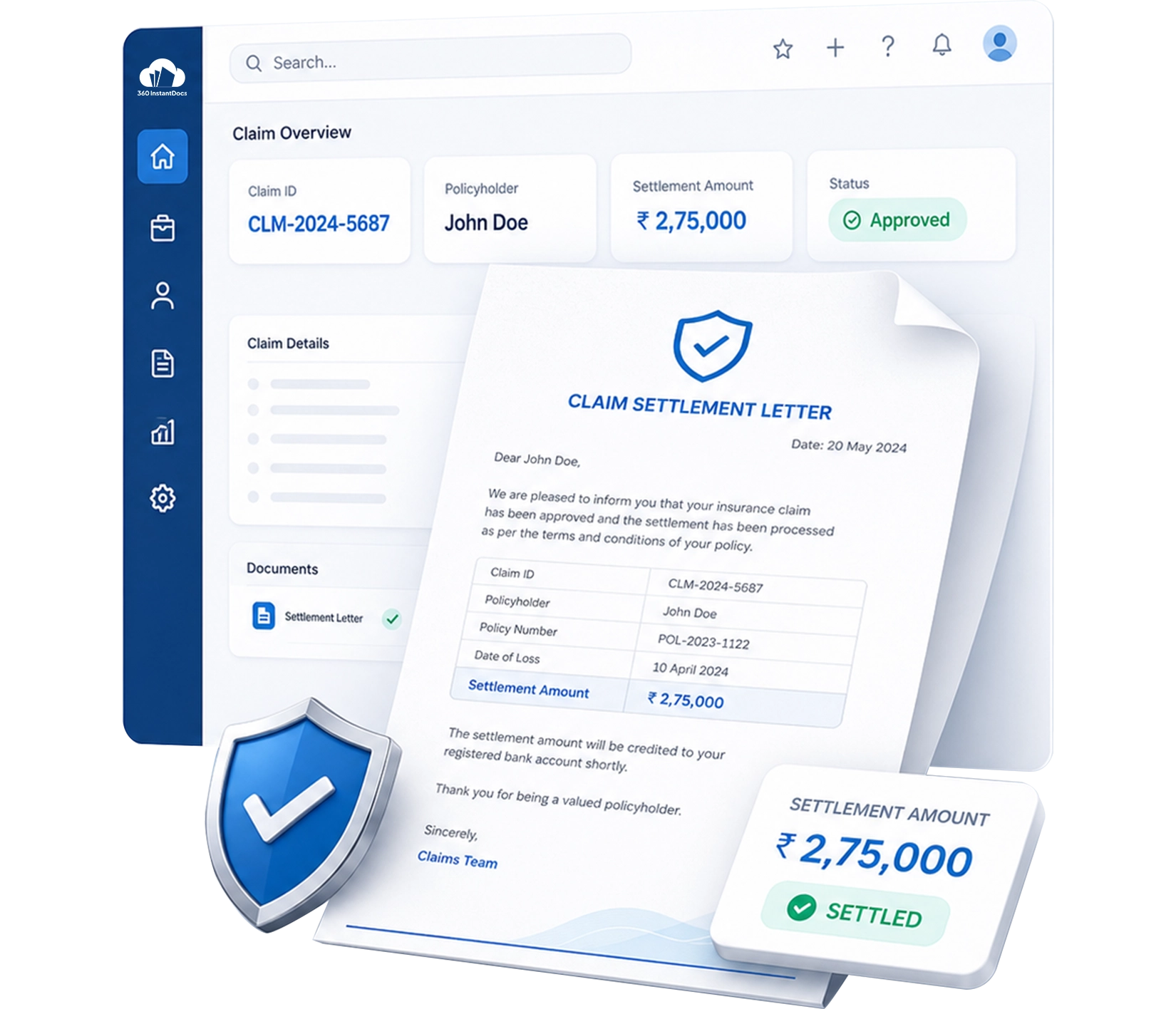
Auto-generate Claim Settlement Letters directly from Salesforce - claimant details, claim reference, settlement amount approved, and other details populated automatically from your Salesforce records.
Generate up to 50 documents/month for FREE
Get the full template
Enter your email to receive the complete Claim Settlement Letter Word template - ready to customize and use immediately.
Open & customize in Word
Open your template in Word, add branding, adjust content, and insert merge fields from the 360 InstantDocs Word add-in panel.
Merge live Salesforce data
Connect the template to live Salesforce field data so names, dates, amounts, and other record details fill in automatically.
Generate from Salesforce
Create the final Word or PDF document in one click from a record or trigger it through Flow in seconds.
About this Salesforce Claim Settlement Letter Template
This Salesforce claim settlement letter template is purpose-built for Insurance teams that need to generate accurate, professionally structured settlement letters directly from Salesforce records without manually re-entering details. When connected to 360 InstantDocs for Salesforce insurance document automation, every field - from claimant name to final settlement amount - populates automatically from your live Salesforce Case, Contact, Account, and custom claims object data.
When to use this template
- Generating a formal claim settlement letter when a Salesforce Case status is updated to Settled or Approved by the claims assessor
- Producing structured settlement documentation for every resolved claim managed through Salesforce Case records
- Claims managers requiring a consistent, auditable settlement document format for every claim resolved through Salesforce
- Bulk settlement letter generation for catastrophe or weather events where multiple claims are resolved and settled simultaneously
- Partial settlement situations where an interim payment is being made and the settlement letter needs to clearly document the partial amount and outstanding balance
Customizing this Salesforce claim settlement letter template
Open the template. Adjust the settlement amount breakdown table to reflect your standard deduction categories, update the dispute resolution and other details, apply your company branding.
Leave all {placeholder} fields exactly as-is, 360 InstantDocs maps these to your Salesforce fields automatically.
Use cases & Salesforce integrations
Auto-generate claim settlement letter from Salesforce Case
When a Salesforce Case status is updated to Settled or a custom settlement approval field is checked by the claims assessor in Salesforce, 360 InstantDocs triggers Salesforce insurance document automation, automatically generating a fully-populated claim settlement letter.
Bulk settlement letter generation for catastrophe events
Select all resolved Claim Case records from a Salesforce list view and generate personalized settlement letters for every claimant in a single bulk action, each letter populated with the individual claimant details.
Settlement amount breakdown and deduction transparency
Map your claim settlement letter template to individual deduction fields on your custom Salesforce claims object, so every settlement letter generated includes a clear, itemised breakdown of how the final settlement figure was calculated.
From Salesforce Record to Finished Document in Seconds - Not Hours
Trusted by insurance teams to generate accurate, professional claims and settlement documents directly from Salesforce - at scale, without code, and without errors.
- Start trial- 50 documents free/month
- Salesforce-native – works with any object or field
- PDF + Word document output
- Trigger via button or Salesforce Flow
Talk to a 360 InstantDocs specialist
Tell us about your document workflow and we'll show you exactly how to automate it.
We only use your details to arrange the demo requested.
