

Salesforce Coverage Summary Template for Insurance
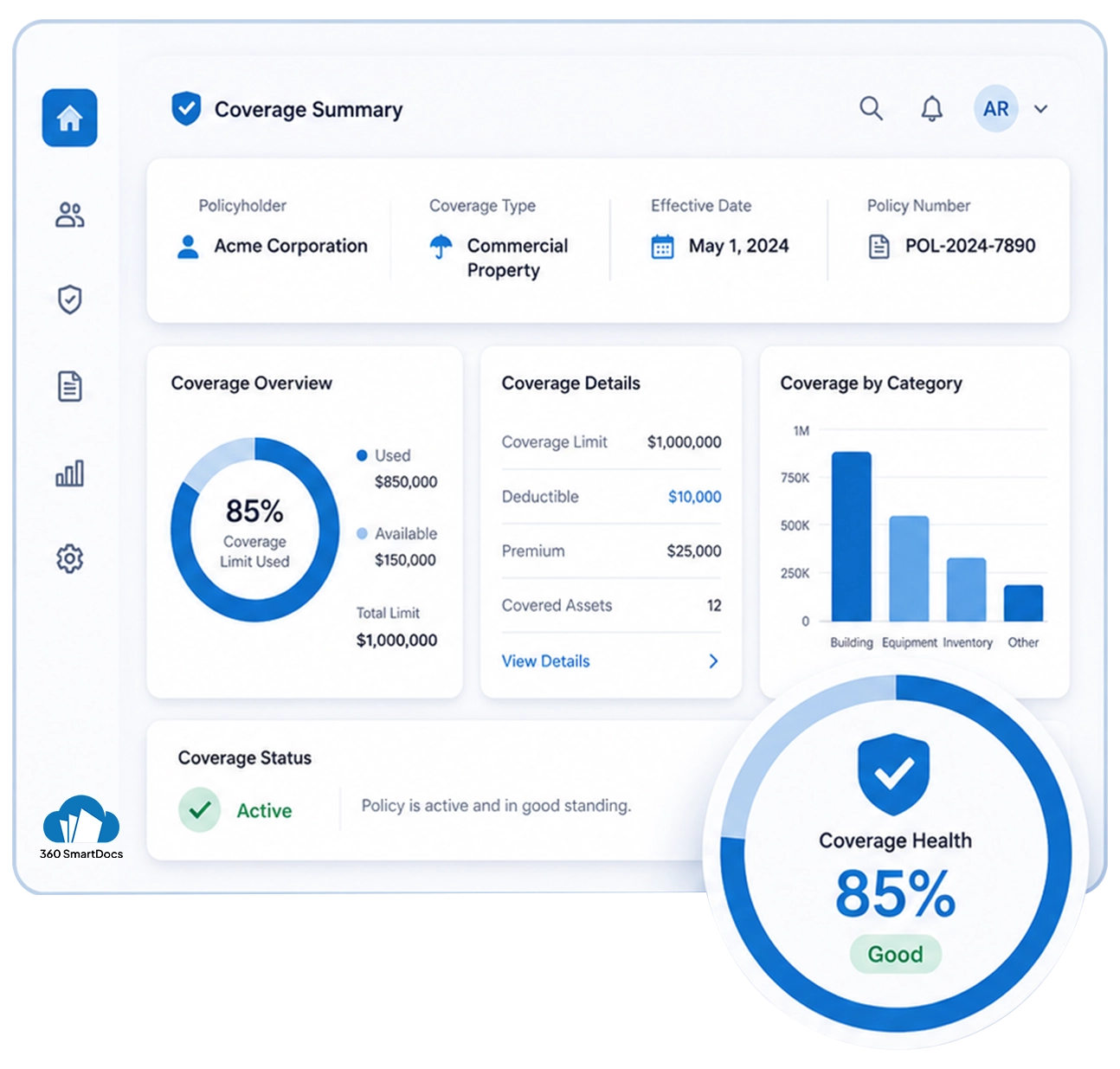
Auto-generate Coverage Summaries directly from Salesforce - policyholder details, coverage limits, deductibles, key inclusions, all information populated automatically from your Salesforce records.
Generate up to 50 documents/month for FREE
Get the full template
Enter your email to receive the complete Coverage Summary Word template - ready to customize and use immediately.
Open & customize in Word
Open your template in Word, add branding, adjust content, and insert merge fields from the 360 InstantDocs Word add-in panel.
Merge live Salesforce data
Connect the template to live Salesforce field data so names, dates, amounts, and other record details fill in automatically.
Generate from Salesforce
Create the final Word or PDF document in one click from a record or trigger it through Flow in seconds.
About this Salesforce Coverage Summary Template
This Salesforce coverage summary template is purpose-built for Insurance teams that need to generate accurate, concise coverage summary documents directly from Salesforce records without manually re-entering details. When connected to 360 InstantDocs for Salesforce insurance document automation, every field - from policyholder name to no claims discount - populates automatically from your live Salesforce Account, Contact, and custom policy object data.
When to use this template
- Issuing a coverage summary alongside the full insurance policy document when a new policy is activated in Salesforce
- Generating an updated coverage summary when a policy is renewed or amended and policyholder coverage details have changed
- Providing a clear, readable policy overview to policyholders who require a concise summary rather than the full policy document for reference
- Bulk coverage summary generation at renewal time for all active policies managed within Salesforce
- Customer service teams generating on-demand coverage summaries for policyholders enquiring about their current coverage details
Customizing this Salesforce coverage summary template
Open the template. Adjust the coverage inclusions and exclusions sections to reflect the specific insurance product type, update the key conditions summary to highlight the most important policy terms in plain language, add emergency contact, and other details, and apply your company branding.
Leave all {placeholder} fields exactly as-is, 360 InstantDocs maps these to your Salesforce fields automatically.
Use cases & Salesforce integrations
Auto-generate coverage summary alongside policy document
When a policy record is activated in Salesforce, 360 InstantDocs generates both a full insurance policy document and a concise coverage summary simultaneously from the same Salesforce Account and custom policy records.
On-demand coverage summary generation for customer service
When a policyholder contacts your customer service team to enquire about their current coverage, use 360 InstantDocs to generate an up-to-date coverage summary directly from the policyholder's Salesforce Account or policy record in one click.
Coverage summary update after policy amendment
When a policyholder requests a coverage change, adding an insured item, increasing a coverage limit, or updating a named insured, use 360 InstantDocs to automatically regenerate the coverage summary from the updated Salesforce policy record the moment the amendment is saved.
Save Manual Document Preparation Hours Every Week with 360 InstantDocs
Connect your coverage summary template to Salesforce and generate every insurance document in one click - accurate, formatted, and ready to deliver in seconds, not hours.
- Start trial- 50 documents free/month
- Salesforce-native – works with any object or field
- PDF + Word document output
- Trigger via button or Salesforce Flow
Talk to a 360 InstantDocs specialist
Tell us about your document workflow and we'll show you exactly how to automate it.
We only use your details to arrange the demo requested.
