

Salesforce Email Verification That Never Lets Bad Data In
Real-time, bulk, and scheduled email validation — 100% native to Salesforce. Catch fakes, bounces, and fraud before they reach your team.
Every Email Verification Use Case, Covered
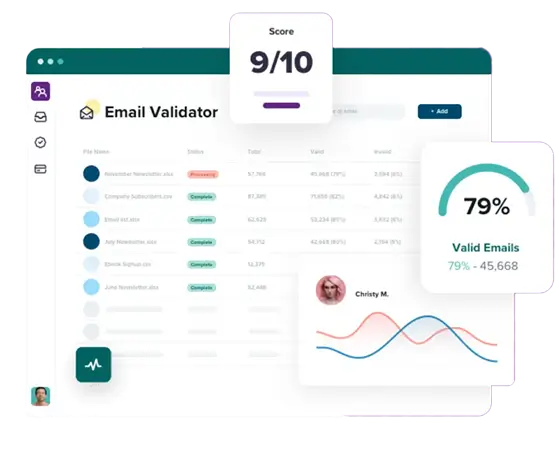
360 Verify the Email is a Salesforce email verification tool that validates every email address before it reaches your team. Verify email addresses in Salesforce in real time across leads, contacts, accounts, and form submissions — 100% natively, with no data leaving your Salesforce org.
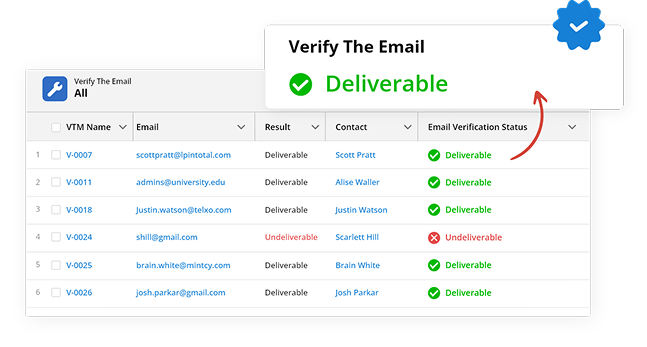
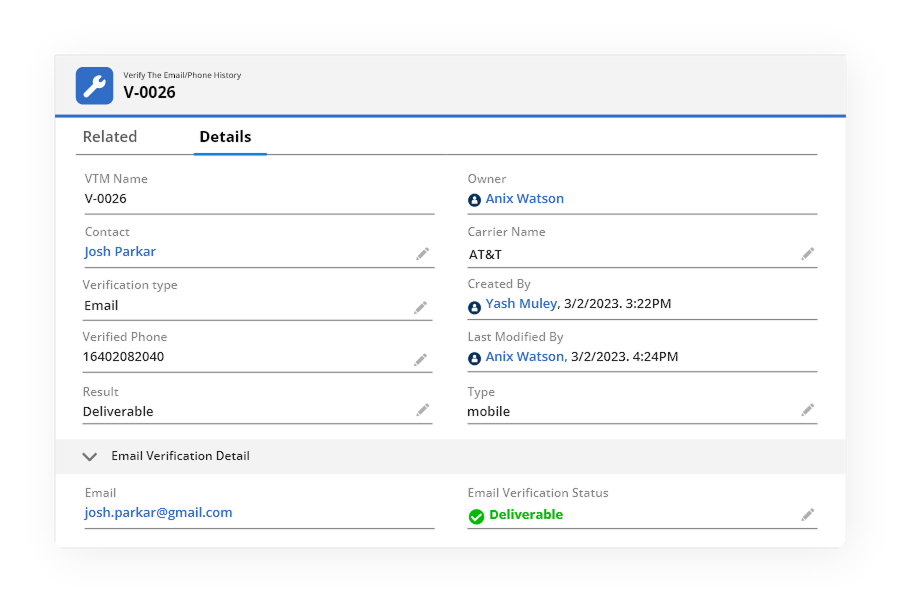
Validates format, domain, MX records, and mailbox status instantly for every Salesforce lead email verification and contact record — before the record reaches your team. No delay. No friction.
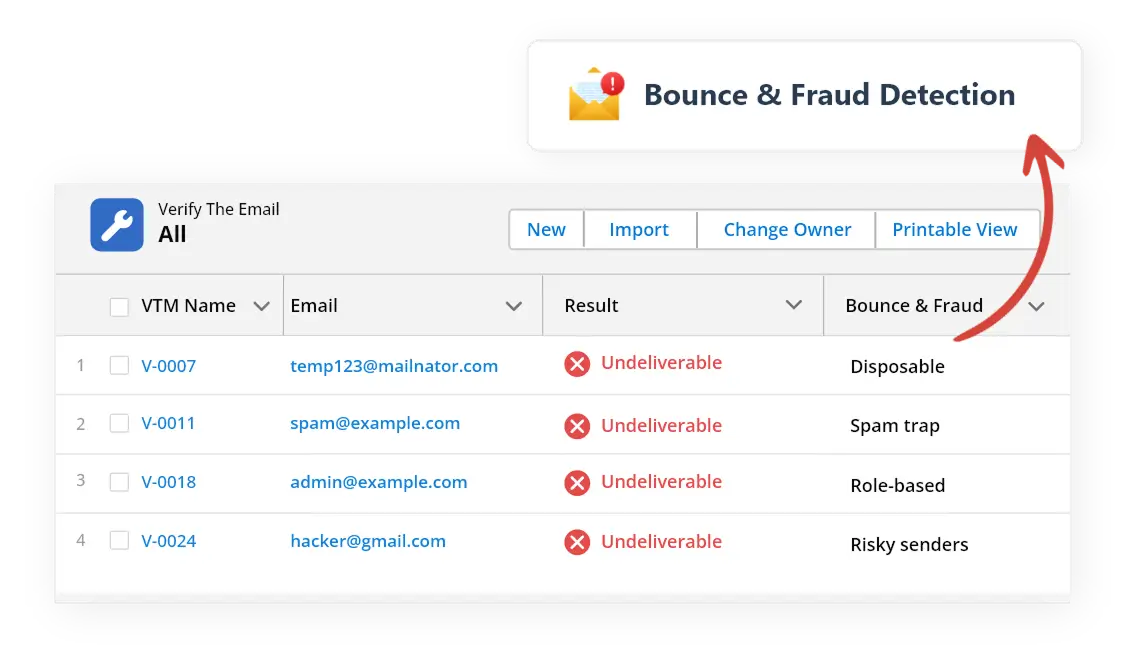
Detects disposable addresses, spam traps, role-based emails, and risky senders that damage sender reputation and inflate lists.
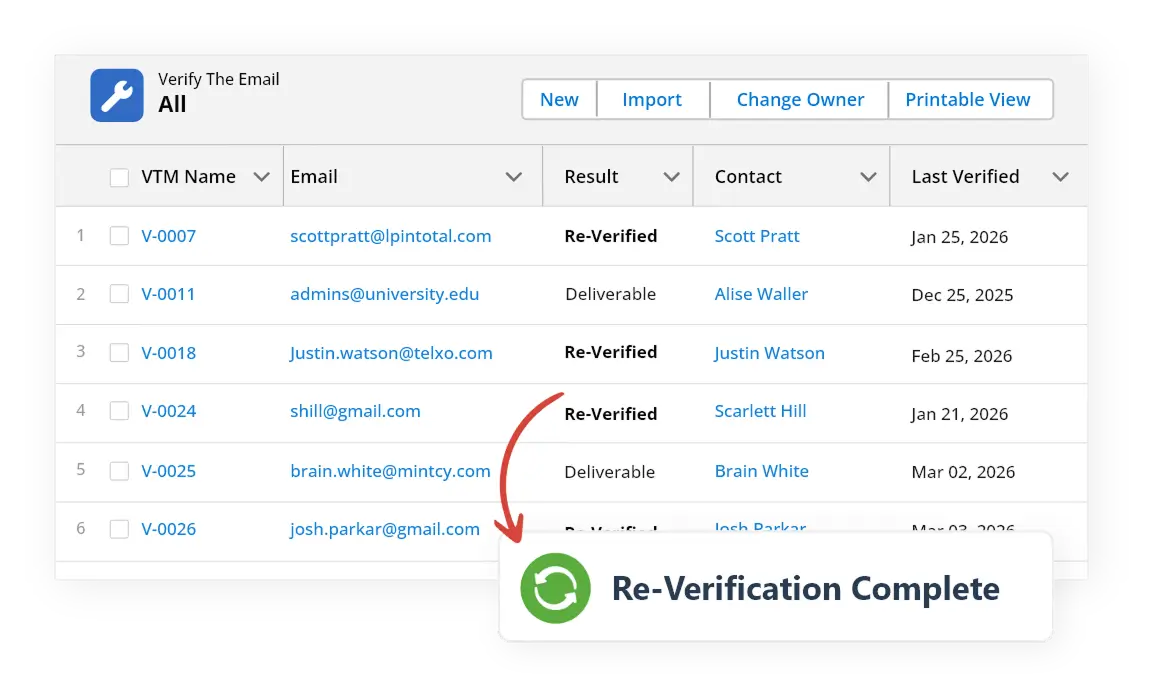
Email addresses go stale. Automatically re-check your existing Salesforce field email validation data weekly, monthly, or on custom intervals — hands-free
Salesforce web form email validation that catches bad addresses at point of Web-to-Lead and Web-to-Case submission — before a single junk record enters your CRM.
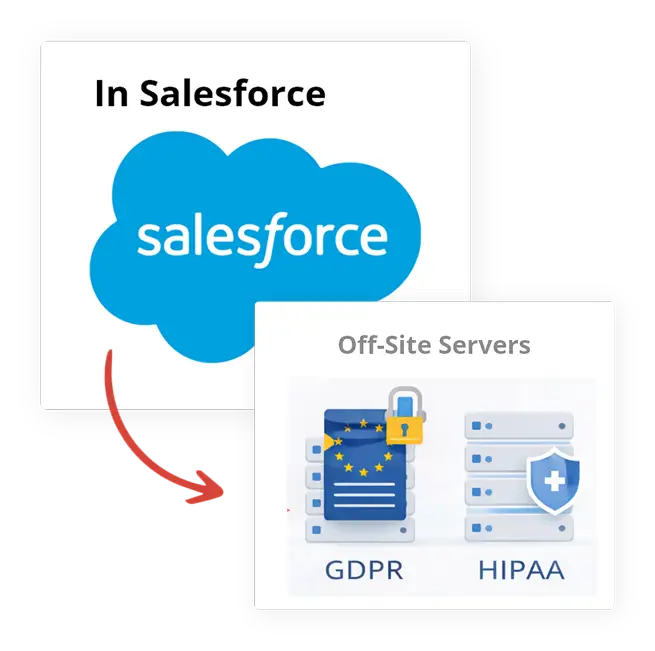
100% Salesforce-native. No email address ever leaves your org. GDPR compliant email verification by design — data privacy for email validation is built into the architecture, not bolted on. Your data stays inside Salesforce at all times.
Not All Email Verification Tools Are Equal
The only email verification tool built 100% natively inside Salesforce.
| Feature | ✓ 360 Verify The Email | Other Tools |
|---|---|---|
| 100% Salesforce-Native | ✓ | ✗ |
| Real-Time Email Verification | ✓ | ✓ |
| Bounce & Spam Trap Detection | ✓ | Partial |
| Re-Verification on Schedule | ✓ | ✗ |
| Web-to-Lead / Web-to-Case | ✓ | ✗ |
| Verification History & Tracking | ✓ | ✗ |
| Zero Data Exposure (GDPR / HIPAA) | ✓ | ✗ |
| Custom & Standard Objects | ✓ | ✗ |
| Salesforce Lead & Contact email validation | ✓ | Limited |
Frequently asked questions
-
Yes, 360 Verify the Email allows you to configure validation rules that block record creation or updates when invalid emails or phone numbers are detected. You can also choose to just flag the data without blocking — flexibility depends on your business needs.
-
No. 360 Verify the Email runs validation asynchronously in the background. Real-time checks are optimised to return results in milliseconds so your team experiences zero noticeable lag during record entry.Validation results are returned and stored directly on the Salesforce record field, so there is no additional step for your team.
-
360 Verify the Email's scheduled re-verification feature automatically re-checks existing records on the interval you define — weekly, monthly, or custom. Any address that has become stale or undeliverable is flagged or updated automatically without manual effort.
-
Absolutely. You can enable validation on specific objects (Leads, Contacts, Accounts, or custom objects), choose which fields to validate, and decide whether to trigger on create, update, or both — all from a simple admin configuration panel inside Salesforce.
-
360 Verify the Email supports both native Salesforce forms (Web-to-Lead, Web-to-Case) and any third-party form that pushes data into Salesforce via API or integration. Validation fires at the record level, so the data source doesn't matter.
-
Yes. 360 Verify the Email maintains a full verification history log on each record — including timestamp, triggering user, and result. This gives your ops and compliance teams complete auditability without any additional setup.
-
Yes. By validating every email address at point of entry and before campaigns are sent, 360 Verify the Email removes invalid, disposable, and risky addresses that cause bounces — improving sender reputation and deliverability across your Salesforce campaigns.
-
Salesforce email validation checks that an email address is correctly formatted and belongs to a real, active domain. Salesforce email verification goes deeper — it checks MX records, mailbox status, and bounce risk. 360 Verify the Email does both natively inside Salesforce.
Got a Question? Ask Us!
Ready to Solidify Your Digital Transformation Efforts Using Salesforce? Talk to Us!

Subscribe to our newsletter
Stay ahead with expert insights, industry trends, and exclusive resources—delivered straight to your inbox.
