

Salesforce Phone Verification Stop Bad Numbers Before They Break Your Campaigns
360 Verify the Email validates every Salesforce contact number in real time and in bulk, directly inside your org. Stop bad numbers before they reach your team.
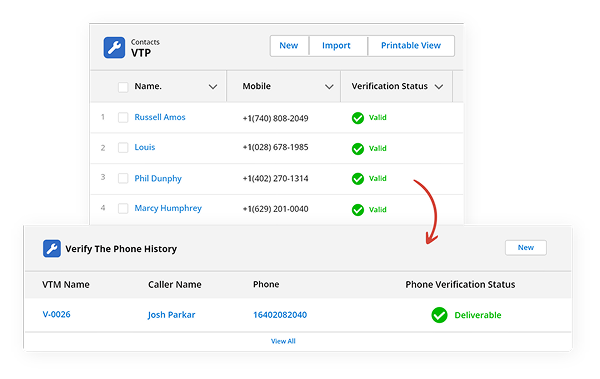
Phone Validation Features for Clean CRM Data
From the first dial to SMS campaigns, 360 Verify the Email phone verification service ensures every number in your CRM is real and reachable.
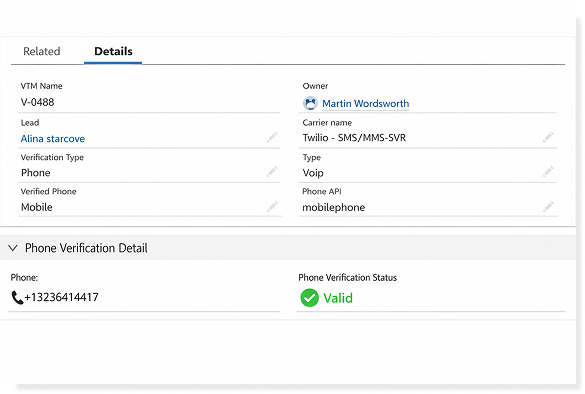
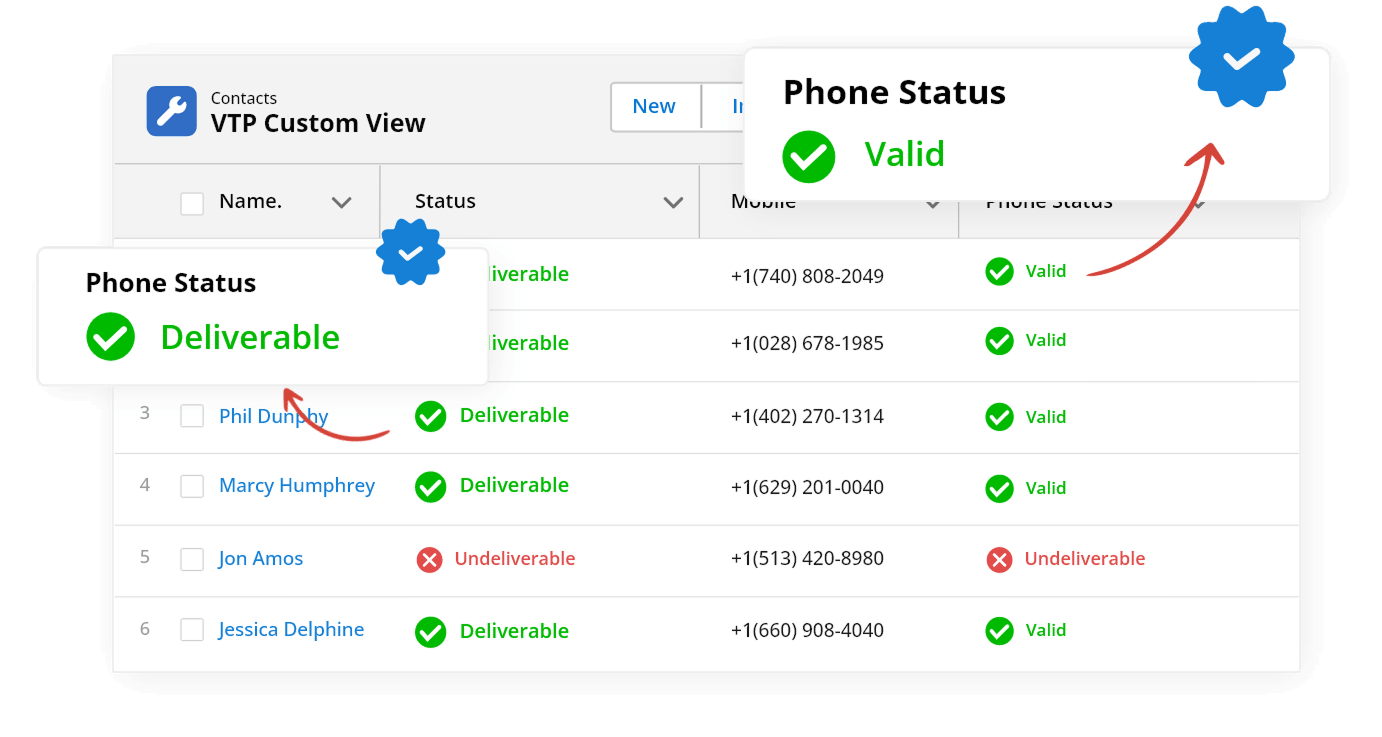
Run Salesforce phone verification in real time to check number format, country code, and active status before your team makes a call or sends an SMS.
Identify mobile, landline, VoIP, and carrier data for every number in your Salesforce org — so your team routes calls and SMS to the right line type every time.
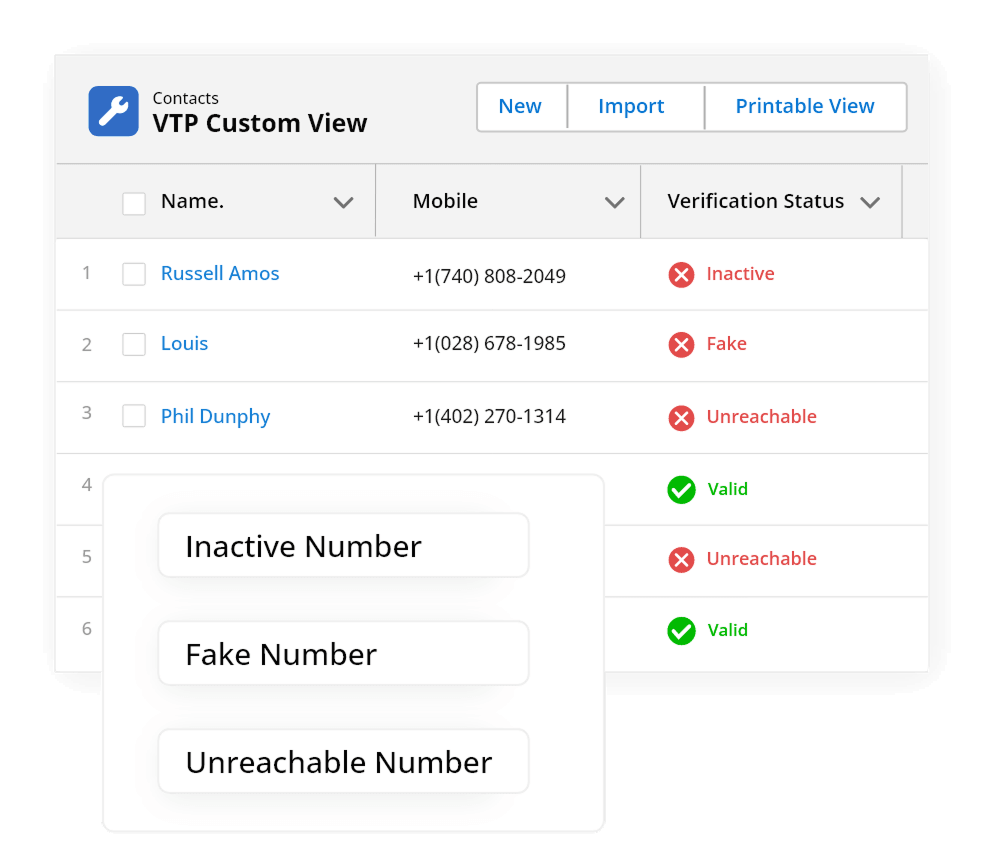
Detect inactive or fake numbers early with Salesforce phone verification to prevent failed calls and messages before they damage your outreach metrics.
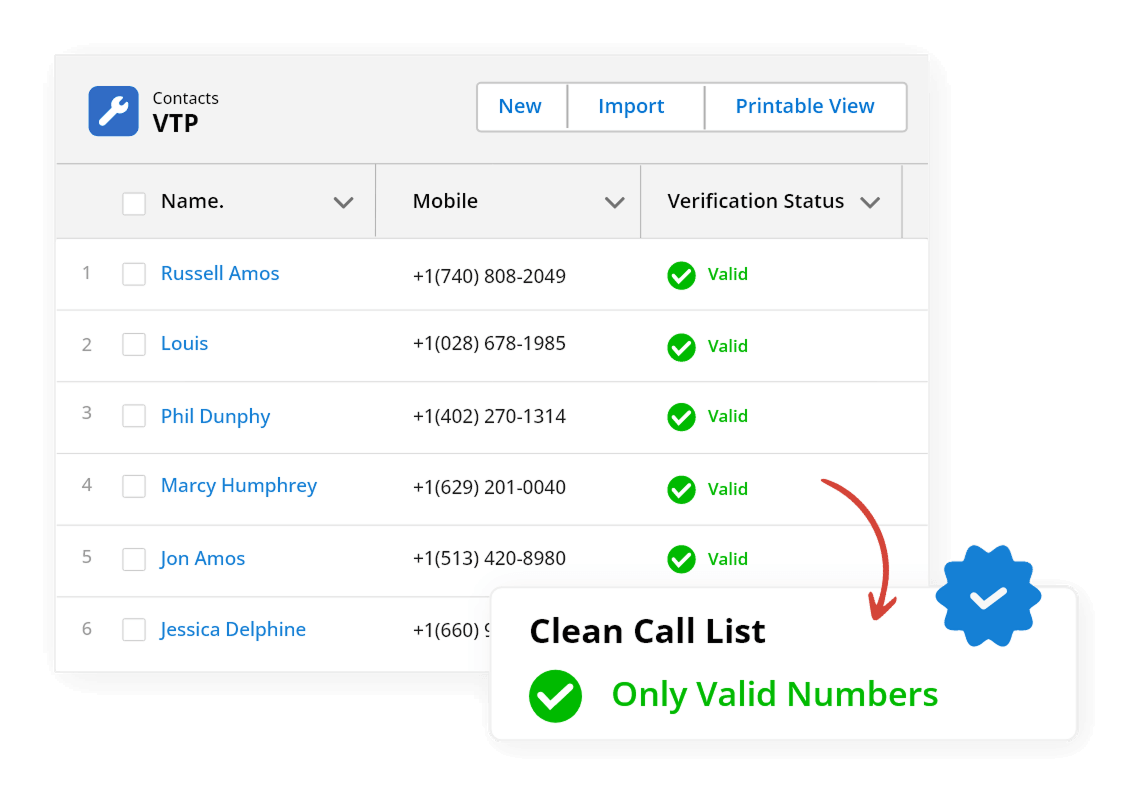
Run bulk phone number verification across existing Salesforce records to identify inactive, fake, and unreachable numbers before your next campaign.
Verify phone numbers before campaigns to ensure SMS reaches valid mobile numbers.
Validate phone numbers at point of Web-to-Lead and Web-to-Case submission. Stop invalid numbers entering Salesforce from the first contact.
Not All Salesforce Phone Verification Tools Are Equal
360 Verify the Email is a Salesforce phone validation tool for real-time phone validation and bulk phone verification.
| Feature | ✓ 360 Verify the Email | Other Tools |
|---|---|---|
| 100% Salesforce-Native | ✓ | ✗ |
| Real-Time Phone Validation | ✓ | ✓ |
| Line Type & Carrier Detection | ✓ | Partial |
| Bulk Phone Verification | ✓ | ✗ |
| Call & SMS Failure Detection | ✓ | Partial |
| Web-to-Lead / Web-to-Case | ✓ | ✗ |
| Verification History & Tracking | ✓ | ✗ |
| Zero Data Exposure (GDPR / HIPAA) | ✓ | ✗ |
Frequently asked questions
-
Yes. 360 Verify the Email lets you configure validation rules that block or flag records when an invalid phone number is detected — so only verified contact data enters your CRM. You can choose to block the save entirely or flag the record for review, depending on your business rules.
-
No. Real-time Salesforce phone verification runs in the background and returns results in milliseconds — so your team experiences no noticeable lag during lead entry or record updates. Validation happens instantly without interrupting the save flow.
-
Yes. Bulk phone number verification in 360 Verify the Email lets you validate thousands of existing Salesforce records in one job — identifying inactive, fake, and unreachable numbers before your next call or SMS campaign. You can run it on demand or schedule it to repeat automatically.
-
360 Verify the Email includes scheduled phone re-verification so you can automatically recheck existing records weekly, monthly, or on a custom interval. Any number that has become inactive, disconnected, or reassigned is flagged or updated automatically — keeping your CRM accurate without manual effort.
-
360 Verify the Email supports both native Salesforce forms (Web-to-Lead, Web-to-Case) and third-party forms that push data into Salesforce via API or integration. Phone validation fires at the record level — so the data source does not affect how verification runs.
-
By removing invalid, inactive, and unreachable numbers from your Salesforce CRM before campaigns go out, 360 Verify the Email improves call connect rates, reduces wasted SMS sends, and helps your team focus outreach on contacts who can actually be reached.
-
Yes. 360 Verify the Email validates phone numbers at the point of Web-to-Lead and Web-to-Case submission. Any number that fails can be flagged or blocked before the record is saved — so only clean contact data enters your Salesforce CRM.
Got a Question? Ask Us!
Ready to Solidify Your Digital Transformation Efforts Using Salesforce? Talk to Us!

Subscribe to our newsletter
Stay ahead with expert insights, industry trends, and exclusive resources—delivered straight to your inbox.
