

Salesforce Data Validation From Install to Clean CRM
No external APIs. No migration. No data risk. Automated email and phone verification running natively inside your Salesforce org — via real-time triggers, Salesforce Flow, or bulk jobs.
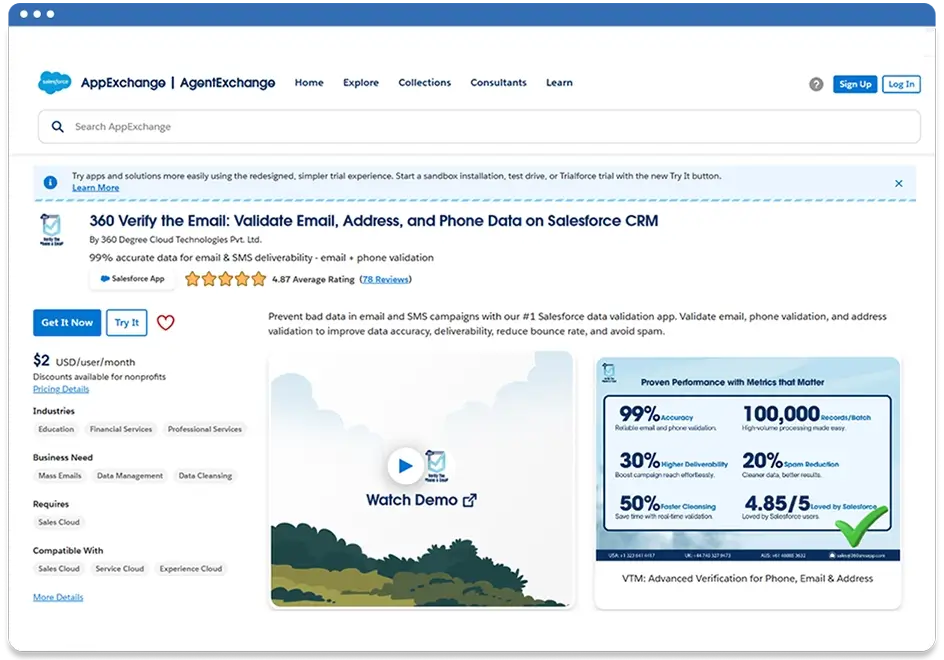
Install From Salesforce AppExchange
Start Salesforce CRM data cleansing with a one click install from AppExchange. No custom code and no external configuration.
- Works with Professional, Enterprise, and Unlimited editions
- Supports stronger security controls for Salesforce data quality programs
- Installation typically completes in minutes
- Contact data validation runs inside your org
Configure Your Verification Rules
Set up Salesforce data cleansing and Salesforce data validation rules using point and click configuration. Choose what to validate, when to validate, and what to do when data fails.
- Select objects: Leads, Contacts, Accounts, and custom objects
- Set triggers: on save, on import, on schedule, or via Salesforce Flow email validation and phone verification automation workflows
- Define actions: block save, flag record, or update a status field
- Works with Web to Lead and Web to Case for automated email verification and phone validation at point of form submission


Verify New Records in Real‑Time
Keep bad data out from the start with data validation software that verifies new entries as they arrive. This improves Salesforce data quality before reps ever touch the record.
- Real-time results captured in Salesforce fields for reporting
- Option to block saves when email or phone fails validation — so your team only works with records that pass automated email verification Salesforce rules
- Built for automated email verification Salesforce workflows — covering email, phone, and address validation on every new record
- Supports form submissions with Web to Lead in real time
Run Bulk Cleanup on Existing Data
Fix old records at scale. Run bulk jobs on demand or schedule recurring checks to maintain CRM data hygiene.
- Bulk verify thousands of records across any object
- Schedule weekly or monthly rechecks to maintain clean records and reduce email bounce rate from stale or invalid contacts
- Track verification history per record
- Filter and report by status using standard Salesforce reports

Frequently asked questions
-
Yes. You can trigger email and phone verification through Salesforce Flow, allowing automated email verification to run as part of any record creation, update, or approval workflow — without writing code.
-
Phone verification automation in Salesforce runs through configurable triggers inside 360 Verify the Email. Set it to validate phone numbers on record save, on import, via Salesforce Flow, or on a scheduled batch — based on your business rules.
-
Automated email verification in Salesforce flags and removes invalid addresses before they enter your CRM and before campaigns go out — reducing bounce rates by catching bad data at source rather than cleaning it after a failed send.
Subscribe to our newsletter
Stay ahead with expert insights, industry trends, and exclusive resources—delivered straight to your inbox.
