

Your Salesforce SMS Messages Are Getting Ignored: Here’s Why
07 Aug 2026
Table of Contents
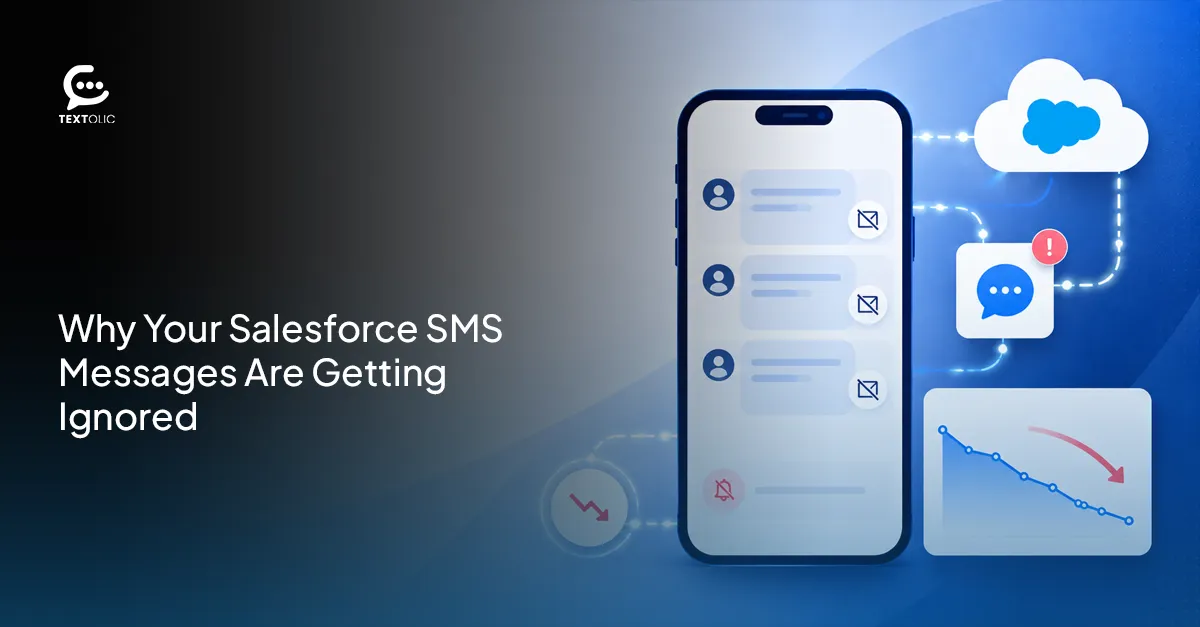
Open rates look fine. Clicks, decent enough. Replies? Nothing. Silence.
If that’s where you’re stuck, you’ve probably already rewritten the copy twice and tried a different send hour. Still nothing. Here’s the part nobody tells you: it’s usually not the message. It’s what’s happening underneath it.
Your open rate is 94%. Your reply count says zero. That gap is the whole problem, and most teams stare at it for weeks before admitting something’s actually wrong.
So they do what feels reasonable. Rewrite the copy. Try different timings. Swap the CTA. Still, nothing comes back.
Here’s the uncomfortable truth: it’s rarely the message. A Salesforce SMS app can send flawless copy at the perfect hour and still get ignored, because the failure usually isn’t creative. It’s structural. Something underneath the message, invisible to whoever’s writing it, is quietly killing every reply before it has a chance to land.
Five reasons show up again and again. Below are five reasons a Salesforce SMS app stops getting replies, and what actually fixes each one.
Table of Contents
Reason 1: Texting From a Generic Number
A random ten-digit number lands on someone’s phone. No name attached, no context, nothing familiar. People assume spam and swipe away. Can’t really blame them for that.
This is where a lot of SMS for Salesforce setups die before the first word gets read. And the fix is almost embarrassingly simple: a dedicated business number with a name people recognize. 360 Textolic allows you to use your last sender identity everytime automatically instead of a rotating pool of throwaway numbers that carriers flag within weeks anyway.
That one change alone resolves more “low engagement” complaints than any copy rewrite ever will. Genuinely.
Reason 2: Messages Are Too Long
160 characters. Cross that line without realizing it, and the platform quietly breaks your message into two or three fragments. Part one lands, reads like half a thought, and part two shows up ten seconds later looking like a totally different conversation.
Which is not fine, especially in B2B, where that first fragment often gets swiped away before the second one even arrives.
A few things fix this:
- Keep single-part messages under 160 characters, no exceptions
- If a message genuinely needs more room, structure it as a deliberate two-part sequence with a clear lead-in
- Check the character count before hitting send, not after
- Let templates flag overflow automatically instead of catching it by hand every time
360 Textolic shows a live character count and segment preview as you type. Small feature. Saves a surprising amount of embarrassment.
Reason 3: No Two-Way Conversation Set Up
Here’s the thing that kills more campaigns than bad copy ever could. A contact replies, “STOP.” Or “YES.” Or asks a real question. And it goes exactly nowhere, because the system was built to send, never to listen.
Salesforce text messaging without two-way capability is a broadcast tool dressed up as a conversation. Looks interactive. Isn’t.
360 Textolic flips that around. Replies route straight into a shared inbox inside Salesforce, tied to the correct record, visible to whoever actually owns that relationship. AI reply suggestions draft a response in seconds, so a rep isn’t staring at a blank box trying to figure out what to type. Opt-outs get processed automatically too, which sounds minor until a compliance review turns it into a very non-minor problem.
Learn how to make 360 Textolic two-way messaging more effective with AI.
Reason 4: Wrong Send Time
9am Monday, your time. Feels efficient enough. Except your contact is more likely to open the same after two hours, and by the time they want to open it, your message is buried under forty other notifications.
Send timing shouldn’t be a guess anymore. In practice, it rarely needs to be. 360 Textolic’s AI drip campaigns use predictive timing and prior engagement patterns to improve campaign performance instead of whatever hour felt convenient when someone built the campaign. A contact who usually checks texts around lunch gets the message around lunch. Small adjustment. It adds up fast across a few thousand sends.
Reason 5: No Personalization
“Hi [First Name]” stopped counting as personalization years ago. People notice, and generic blasts get ignored at a measurably higher rate than anything referencing something real about them.
Merge fields pull first name, company, deal stage, or last touchpoint straight from Salesforce into the message. 360 Textolic carries that same logic across every channel it supports, SMS, MMS, WhatsApp, so personalization doesn’t reset every time you switch how you’re reaching someone. One rule: every channel. That’s really the whole idea behind building it that way.
Want to upgrade your Salesforce communication strategies with 360 Textolic and drive more leads?
Fixing This Doesn’t Require Starting Over
Every one of these five problems traces back to setup, not strategy. Fix the sending number. Watch the character count. Turn on two-way conversations. Respect time zones. Personalize using data that’s already sitting inside Salesforce, unused.
Is your current setup actually built for two-way conversations, or just built to send? That question alone answers most of what you need to know about why replies aren’t coming in.
360 Textolic was built on the assumption that texting is a conversation, not a broadcast channel. CRM-triggered automation fires messages off real Salesforce events, not a static list someone exported last Tuesday. Shared inboxes keep every reply visible to the whole team instead of buried in one rep’s personal phone. And it behaves the same way across SMS, MMS, and WhatsApp, which sounds obvious right up until you’ve used a tool that treats each channel like its own separate product with its own separate rules.
Talk to our experts if you want a clear look at exactly where your current setup is leaking replies.

Solve It with Salesforce. We’ll Show You How.
AI. Apps. Experts. Everything you need to win with Salesforce under one roof.Frequently Asked Questions
Why are my Salesforce SMS messages not getting replies?
It's rarely the message itself. Usually, it's structural. A generic sender number recipients don't trust. No two-way texting set up, so replies just disappear. Bad send timing that buries the text under other notifications. Or messages that read as generic blasts with zero personalization, pulled from data you already have.
What is the best Salesforce SMS app for two-way conversations?
It depends on what "best" means for your team, honestly. If shared visibility across reps matters most, look for something with a real unified inbox, not five reps checking five separate phones. 360 Textolic routes replies straight into Salesforce, ties each one to the correct record, and layers in AI-suggested responses so nobody's drafting from a blank screen. To be fair, that won't matter much if your team is small enough that one person already handles every reply. But most teams aren't that lean.

About the author
Diksha GathaniaDiksha is a seasoned content writer and marketer who is always keen on trying new avenues to discover and write about. She has a keen eye for detail and a talent for breaking down technical topics into digestible pieces for both technical and non-technical audiences. She is a Salesforce, Marketing Automation, and Marketing Analytics enthusiast who stays on top of the pulse of industry trends. Beyond her professional endeavors, she finds joy in traveling and is always on the lookout for new destinations.
Recent Blogs
 Campaign Strategy & Best Practices
Why Most Salesforce Teams Use WhatsApp Wrong (And What to Do Instead)
98% open rate. Teams hear that stat and immediately think: perfect broadcast channel. So they do what they’ve always done with email — build a…
Read More Two-Way Texting & Engagement
Salesforce SMS Opt-In and Opt-Out: What Every Team Needs to Know Before Texting Customers
A single non-compliant SMS can result in $500 in statutory damages under the TCPA. And that can apply to each violation, not simply the campaign…
Read More Campaign Strategy & Best Practices
5 Things to Do Before You Send a Bulk SMS Campaign in Salesforce
Salesforce bulk texting is one of the fastest ways to reach your entire list at once. One click, and thousands of messages go out before…
Read MoreReady to Make the Most Out of Your Salesforce Instance?
Our Salesforce aces would be happy to help you. Just drop us a line at contact@360degreecloud.com, and we’ll take it from there!
Subscribe to our newsletter
Stay ahead with expert insights, industry trends, and exclusive resources—delivered straight to your inbox.
