

One-Click Salesforce Document Generation for Workflow Automation
Create documents in Salesforce from live records. Reduce manual work and get documents out faster — without copying data or switching tools.
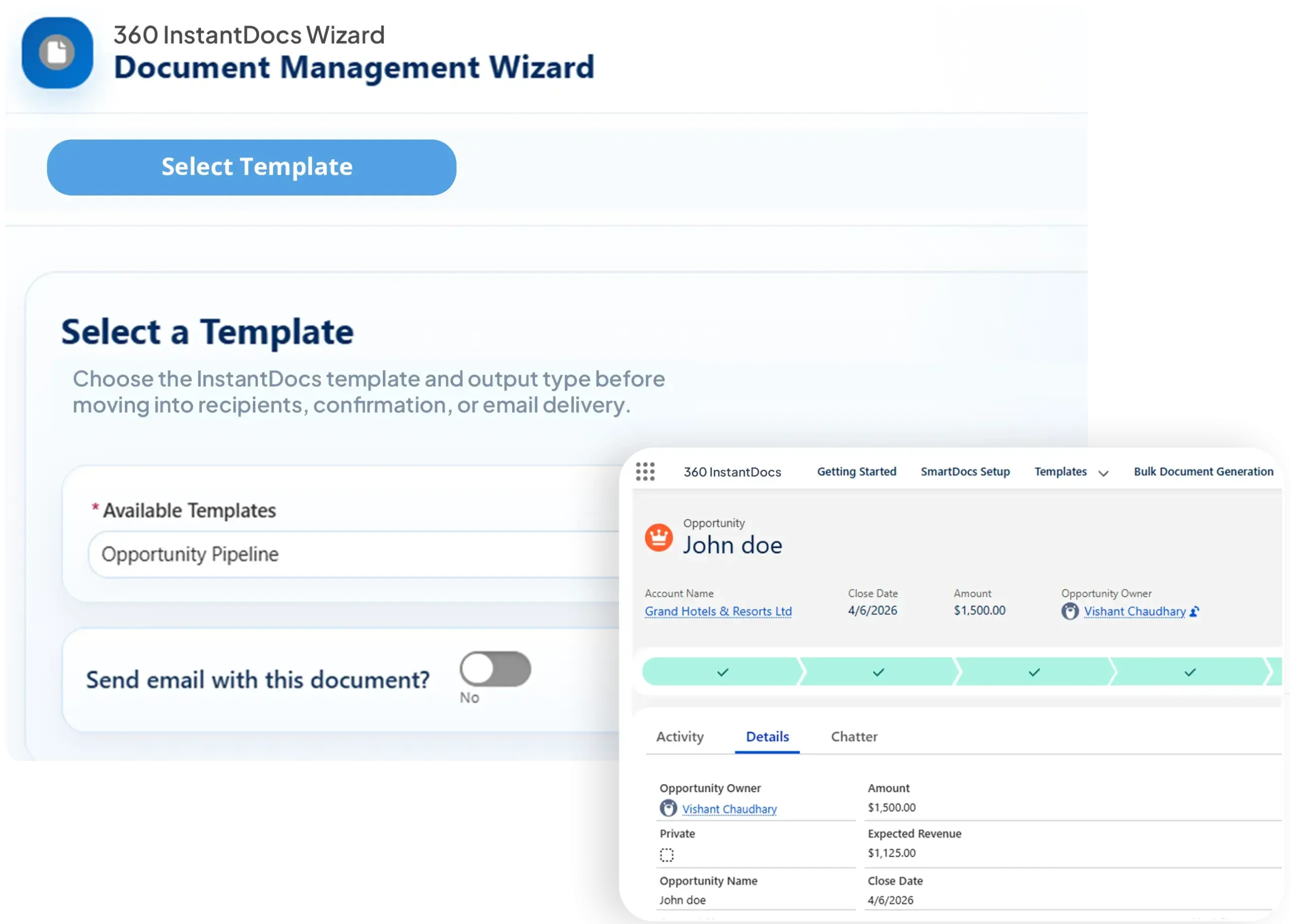
Everything You Need for Faster Salesforce Document Creation
From record-level actions to guided generation, 360 InstantDocs makes Salesforce Word document generation faster and easier to control.
360 InstantDocs is a Salesforce PDF generation app — create documents in Salesforce from any record using live CRM data instead of copying details into static files.
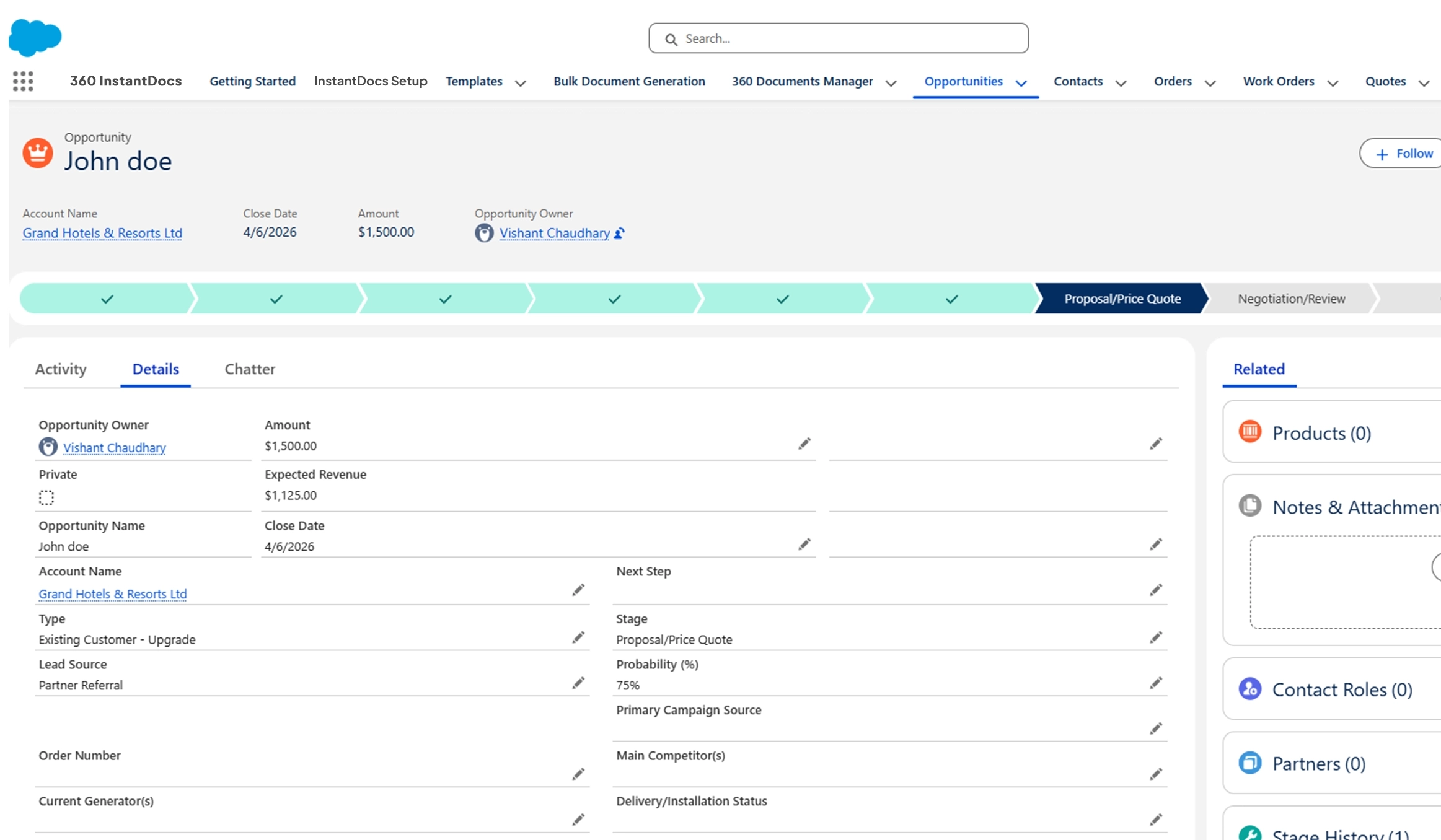
Launch document generation in Salesforce directly from the record page through a Quick Action for faster user execution.
Use URL buttons to trigger Salesforce document creation with pre-set document type, template, and mode for a faster user path.
Generate either editable Word files, Excel sheets or finalized PDFs from the same record-driven workflow to match the business need.
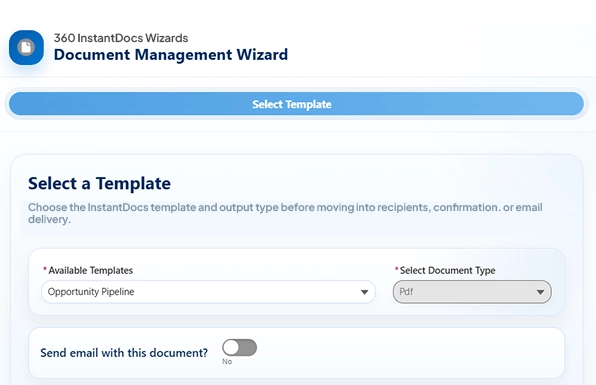
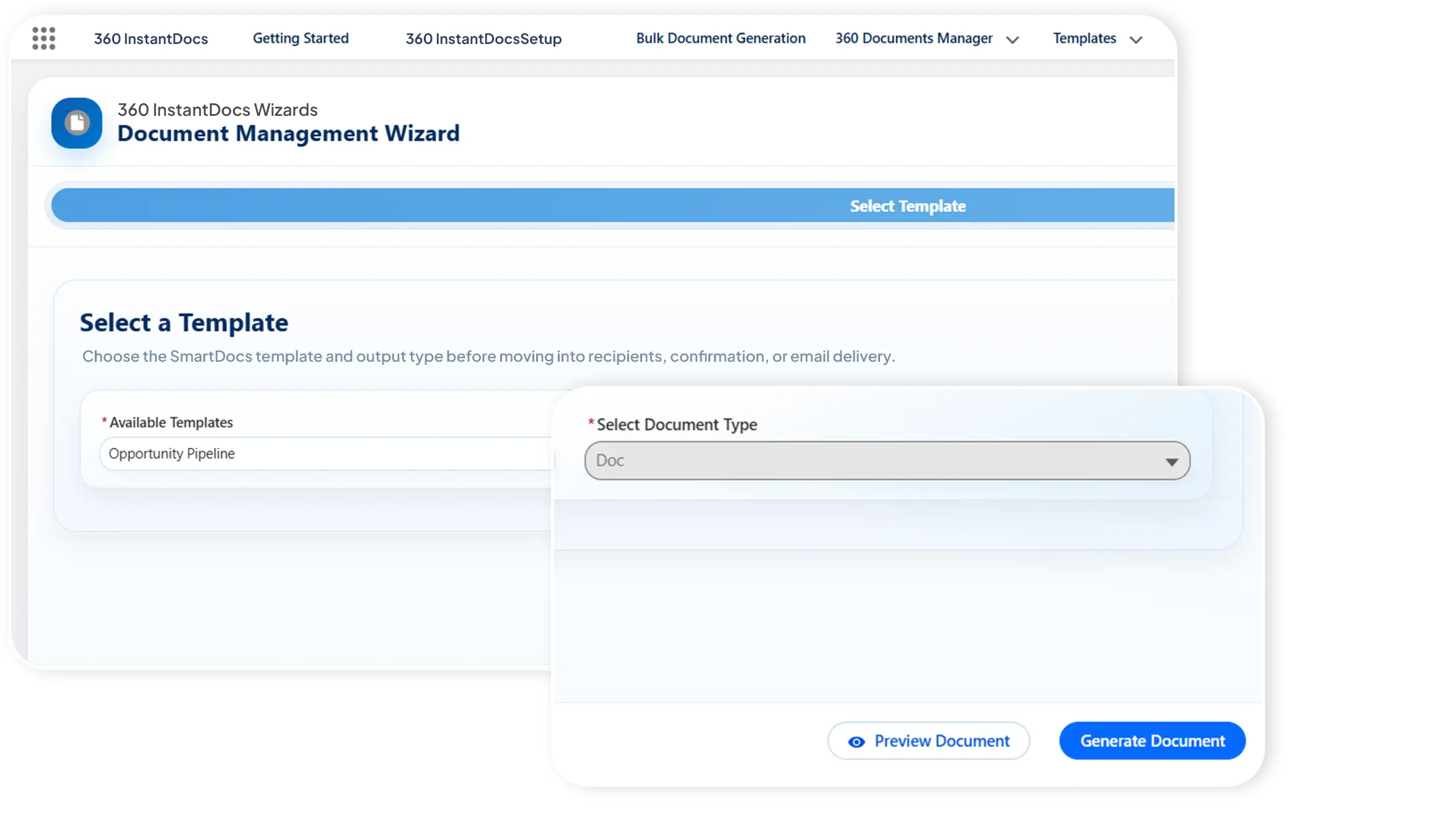
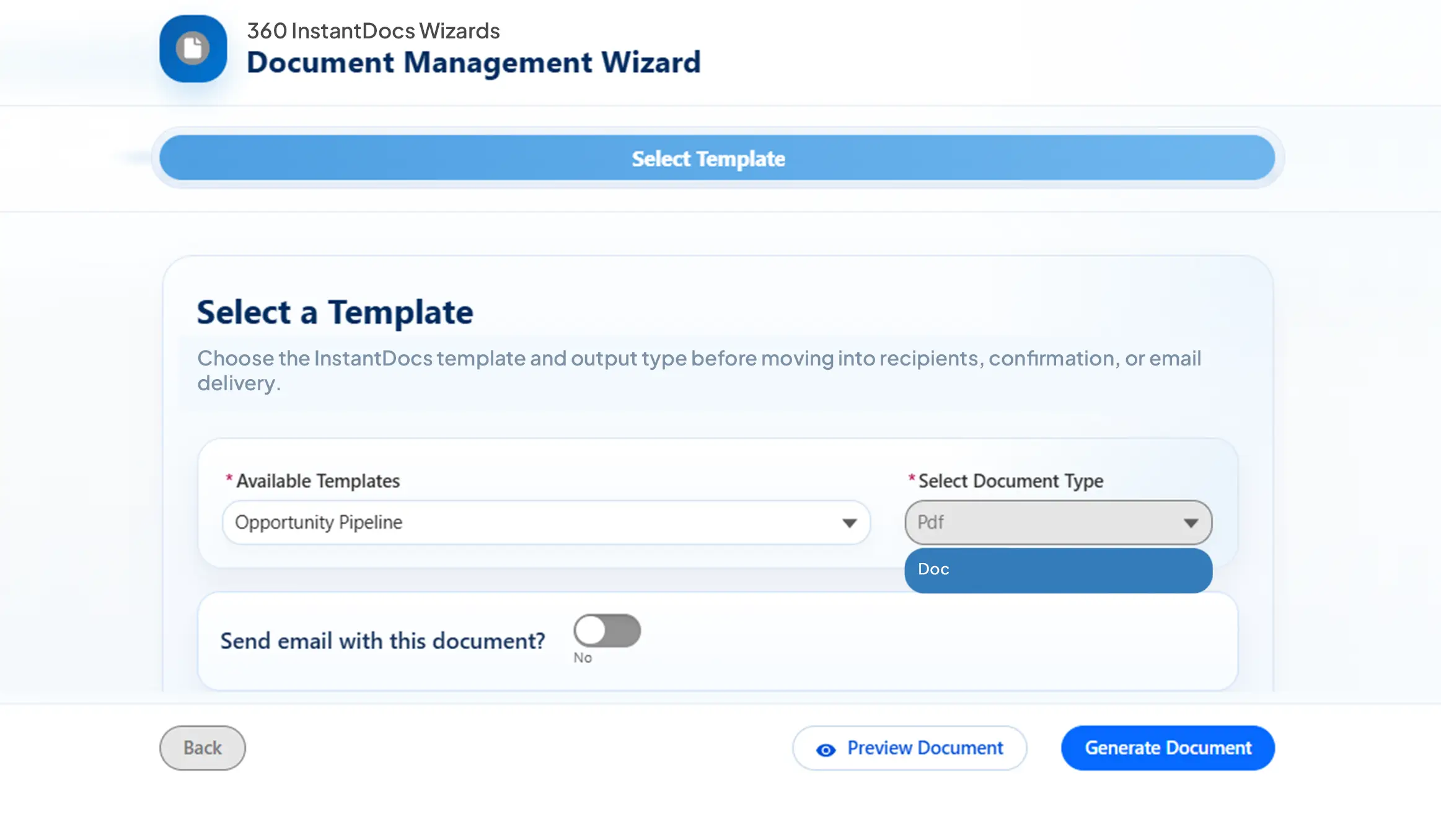
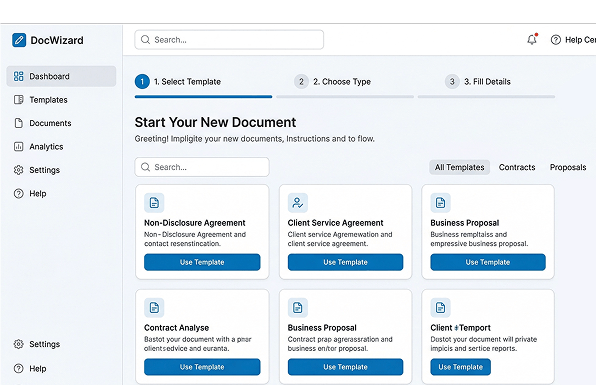
Let users select templates, choose document type, and move through a guided Salesforce Excel generation flow with less confusion and fewer errors.
Not All Document Generation for Salesforce Works the Same
Keep document generation for Salesforce close to the record, the action, and the workflow — so your team never has to leave the CRM.
| Feature | ✓ 360 InstantDocs | Other Tools |
|---|---|---|
| Generate documents directly from Salesforce records | ✓ | Limited |
| Quick Actions for record-level generation | ✓ | ✗ |
| URL button-based document generation | ✓ | ✗ |
| Guided document generation wizard | ✓ | Limited |
| Word file output | ✓ | Limited |
| Salesforce PDF generation | ✓ | ✓ |
| Generate Excel from Salesforce | ✓ | Limited |
| Live Salesforce data merge | ✓ | Limited |
| 100% Salesforce-native workflow experience | ✓ | ✗ |
Frequently asked questions
-
360 InstantDocs is a Salesforce-native app to create documents that lets teams create documents in Salesforce without leaving the CRM. It supports contracts, proposals, invoices, statements of work, quotes, and other business-critical documents, all generated directly from live Salesforce record data. Output formats include Word, PDF, along with Salesforce Excel generation, so whether you need a Word file for internal review or a PDF or an Excel sheet for client delivery, 360 InstantDocs handles them all. Every Salesforce document generates through a point-and-click template setup, no coding, no copy-paste, no manual re-entry of data that already lives in your Salesforce org.
-
Salesforce document creation with 360 InstantDocs can be initiated in multiple ways, depending on how your admin configures the object. The most common starting point is a Quick Action button directly on the record page, so a sales rep can generate a PDF from a Salesforce record with one click, right from the Opportunity or Account. Admins can also configure URL-based buttons for specific layouts, or trigger document generation automatically via Salesforce Flow when a record reaches a defined stage. This flexibility makes 360 InstantDocs suitable for both on-demand document creation and fully automated document workflows inside Salesforce.
-
Yes, Salesforce PDF generation is fully supported by 360 InstantDocs alongside Word document and Excel sheet output, giving teams the flexibility to match document format to the workflow. Choose the output option when sending finalized documents to clients, storing signed contracts on the record, or archiving financial statements. Use the Word or Excel option when the document still needs review, editing, or internal sign-off before it leaves the business. As a dedicated Salesforce PDF generator, 360 InstantDocs preserves all formatting, tables, branding, and merge data from the Word and Excel template, so you can create a file in Salesforce that looks exactly as designed, every time.
-
Yes. In guided mode, the 360 InstantDocs wizard for generating documents walks users through selecting a template, choosing the output type, and confirming field mappings before generating. This makes it easy for non-technical users to generate Excel from Salesforce record without admin involvement. For teams that generate a high volume of documents, such as invoices from closed Opportunities or offer letters from HR records, admins can also pre-configure a default template per object, so document generation for Salesforce records becomes a true one-click action with no template selection step required.
-
To generate a PDF from a Salesforce record, start by uploading your Word or Salesforce Excel template to 360 InstantDocs and mapping each {placeholder} field to the corresponding Salesforce field using the point-and-click interface; no code required. Once the template is configured, open any record in Salesforce, click the 360 InstantDocs generate button, select your output format, and the document is created instantly, fully populated with live data from that record. The generated file is automatically saved to the record in Salesforce and can be emailed to the customer in the same step. For high-volume workflows, the process can be triggered automatically via Salesforce Flow, making 360 InstantDocs a complete Salesforce PDF generation app for both on-demand and fully automated document creation.
Got a Question? Ask Us!
Ready to Generate Documents from Salesforce in One Click? Let's Talk.

Subscribe to our newsletter
Stay ahead with expert insights, industry trends, and exclusive resources—delivered straight to your inbox.
