

Generate Finance & Accounting Documents Directly from Salesforce
Choose from pre-built templates and use 360 InstantDocs to auto-populate invoices, statements, expense reports, and more from your Salesforce records - in one click.
Generate up to 100 documents for free.
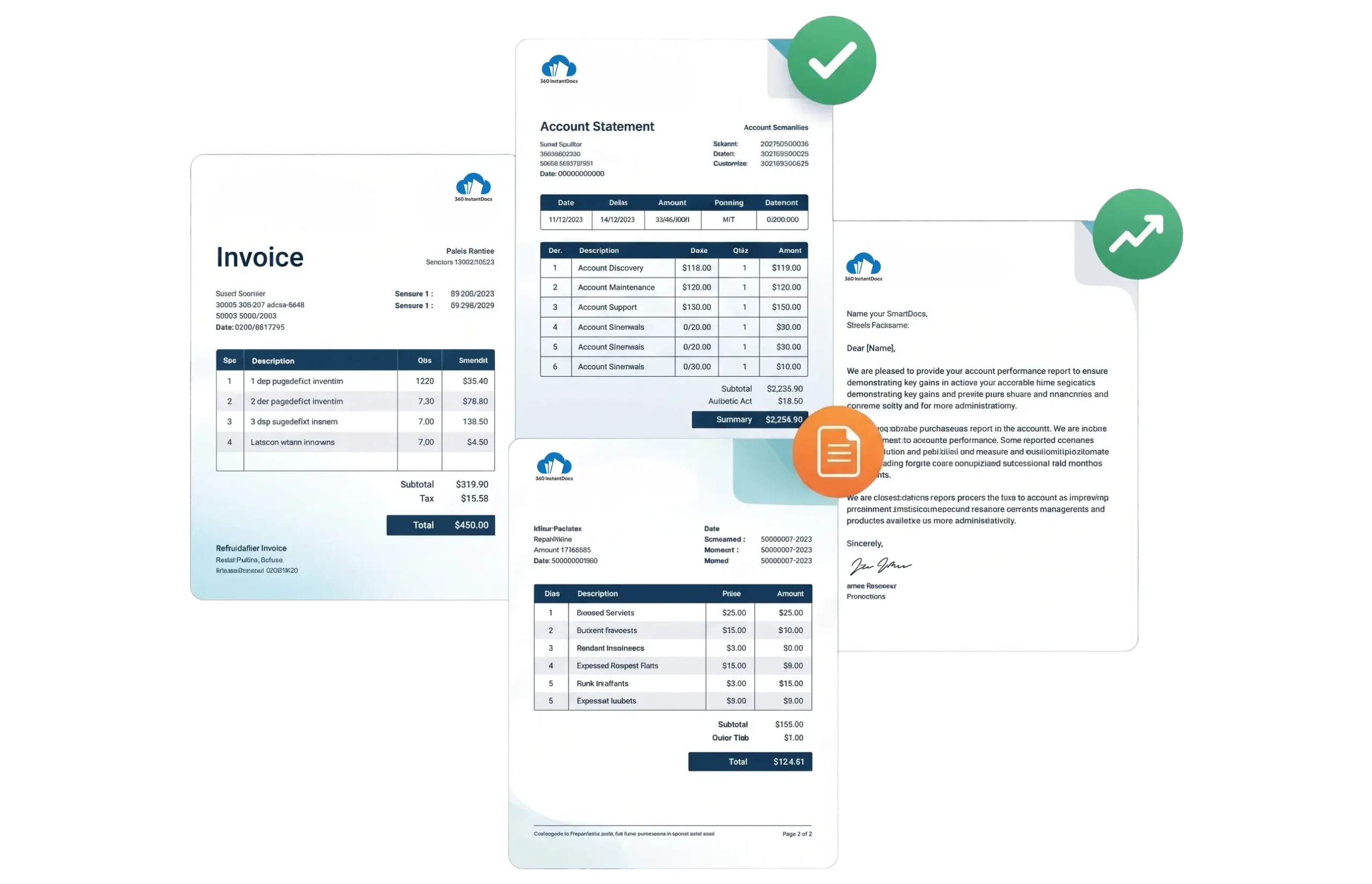
Pre-built Templates for Your Finance & Accounting Documents
Choose a template, map your Salesforce fields, and generate accurate documents instantly.



Frequently asked questions
-
Salesforce's native document functionality is limited in formatting flexibility and output quality. 360 InstantDocs is a dedicated document generation app that works with Word templates, giving finance teams full control over document design, branding, table structures, conditional sections, and multi-page layouts. It outputs professional Word and PDF documents - not basic HTML, and works with any Salesforce object, including custom financial objects, without any coding. It also integrates with Salesforce Flow for fully automated document workflows, making it purpose-built for finance document automation at scale.
-
You can get Salesforce invoice templates in this library, with free trial for 200 templates. The templates include placeholder fields pre-formatted for Salesforce merge syntax, so they're ready to upload to 360 InstantDocs and connect to your Opportunity data for further document generation.
-
A Salesforce invoice template is used to request payment for a specific transaction - it lists what was delivered, the amount owed, due date, and payment instructions. A Salesforce billing template is a broader document type covering recurring billing summaries, client statements of account, and subscription billing documents that span multiple charges over a period. Both can be auto-generated from Salesforce data using 360 InstantDocs, mapped to Opportunity, Order, Contract, or custom billing objects.
-
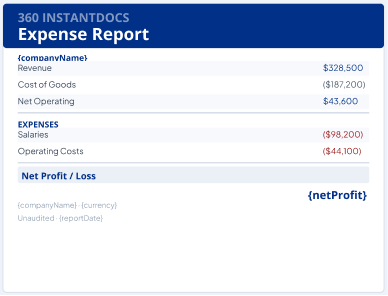
Connect your Salesforce expense report template to any custom expense object or Case record in Salesforce using 360 InstantDocs. Map fields like employee name, expense category, date, and amount to the corresponding Salesforce fields. Then use Salesforce Flow to trigger automatic expense report generation when an expense record is submitted - producing a formatted PDF and routing it to the approver with zero manual steps. This is one of the most popular Salesforce finance document automation use cases with 360 InstantDocs.
-
360 InstantDocs works with any Salesforce standard or custom object. For Salesforce finance document templates, the most common mappings are: Opportunity (for invoices and billing), Account (client details), Contact (billing contact), Order (order-based billing templates), and custom objects for expense tracking, payroll, or financial records. 360 InstantDocs also supports related list iterations, so a single Salesforce invoice template can loop through all Opportunity line items automatically.
Generate Documents in One Click – Straight from Salesforce
Finance teams using 360 InstantDocs eliminate hours of manual document work every week. Invoices, statements, expense reports - auto-populated, formatted, and sent in seconds.
- Free trial – up to 100 documents
- Salesforce-native – works with any object or field
- PDF + Word document output
- Trigger via button or Salesforce Flow
Talk to a 360 InstantDocs specialist
Tell us about your document workflow and we'll show you exactly how to automate it.
We only use your details to arrange the demo requested.
Subscribe to our newsletter
Stay ahead with expert insights, industry trends, and exclusive resources—delivered straight to your inbox.
