

Salesforce Email Verification Compliance Checklist: GDPR, HIPAA, and Data Privacy Rules
24 Aug 2026
Table of Contents
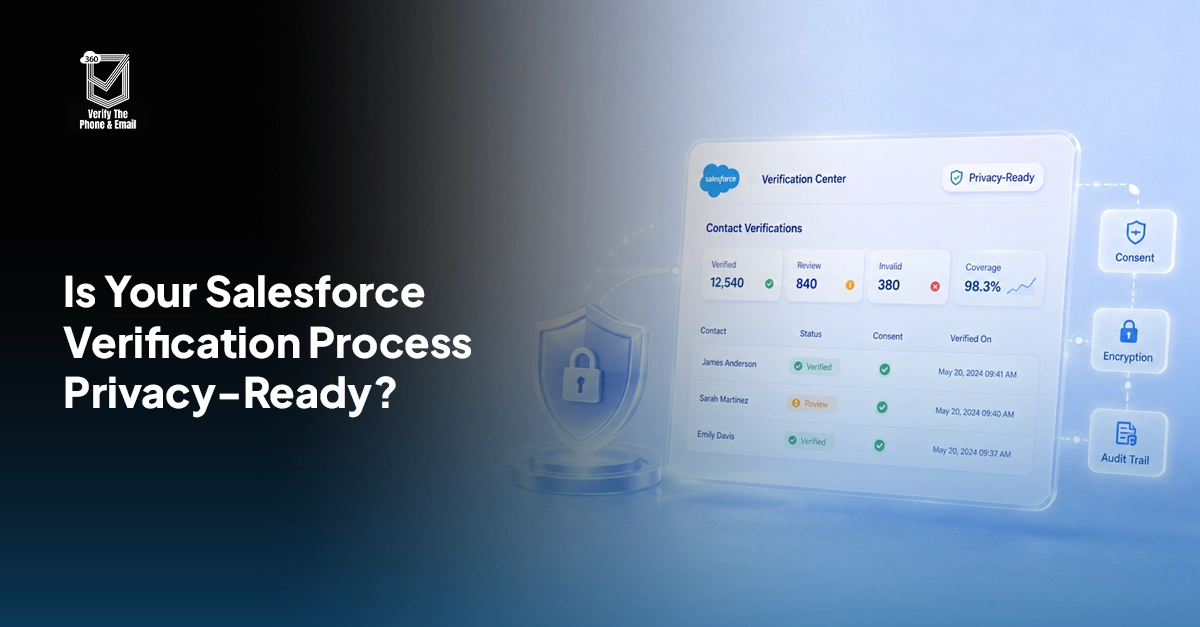
Email and phone verification looks like a data-quality task. From a privacy perspective, it is also data processing. A verification tool may inspect, transmit, classify, store, or log identifiers tied to real people, making the verification layer part of your compliance surface. The question is not only, “Does this email or phone number work?” It is also, “What happens to the data while we check?”
This checklist helps Salesforce teams evaluate GDPR compliant email verification, HIPAA considerations, vendor architecture, and data handling before adding verification to CRM workflows.
Learn how email verification in Salesforce helps you save cost?

Table of Contents
GDPR Checklist for Email/Phone Verification
Under GDPR, personal data includes information relating to an identified or identifiable person. Personal email addresses qualify, and business email addresses or business telephone numbers can also be personal data when they identify an individual.
1. Identify Exactly What Personal Data Is Verified
Document whether the tool receives an email address, phone number, name, country, IP address, Salesforce record ID, or other fields. Map the real payload instead of assuming the tool processes “only contact data.”
2. Define a Specific Purpose
GDPR requires personal data to be processed for specified, explicit, and legitimate purposes. Document whether verification supports CRM data quality, fraud prevention, service communication, lead management, or another defined purpose.
3. Confirm the Lawful Basis
Verification is processing, so an appropriate Article 6 lawful basis is required. Consent is one possible basis, but not the only one, and legitimate interest should be assessed against necessity, individual expectations, and rights rather than assumed.
4. Apply Data Minimization
Send only the fields the verification process genuinely needs. If an email can be checked without sending a name, account history, notes, or other Salesforce data, do not include those extra fields. GDPR specifically requires personal data to be adequate, relevant, and limited to what is necessary for its purpose.
5. Understand Controller and Processor Responsibilities
If a vendor processes personal data on your instructions, it may act as a processor. Review the data processing agreement for documented instructions, confidentiality, security, subprocessors, assistance with individual rights, and deletion or return of data.
6. Check Where Data Travels
A tool that appears inside Salesforce does not automatically keep every processing step inside Salesforce. Ask whether verification uses external APIs, off-platform logs, subprocessors, or infrastructure in another country.
7. Review International Transfers
If personal data moves outside the EEA, determine what GDPR transfer mechanism applies. Depending on the circumstances, this may include an adequacy decision, Standard Contractual Clauses, Binding Corporate Rules, or another permitted mechanism.
8. Set Retention and Security Rules
Define how long verification requests, logs, statuses, and timestamps are retained, then protect them with appropriate technical and organizational measures. Review access controls, encryption, credentials, monitoring, and incident procedures.
9. Keep Verification Separate From Marketing Permission
A verified address is not permission to send marketing communications. GDPR and applicable ePrivacy or national direct-marketing requirements still need to be assessed separately before outreach.
See how Salesforce email verification fits into a cleaner CRM workflow

HIPAA Considerations for Healthcare Data Verification
HIPAA does not make every email address or phone number PHI in every context. The key question is whether the data is protected health information handled by a covered entity or business associate, and whether the verification workflow creates, receives, maintains, or transmits that PHI.
1. Determine Whether the Workflow Touches PHI or ePHI
Map the Salesforce objects and fields involved. Contact data linked to patient, member, treatment, billing, or other protected health information may bring the verification workflow into your HIPAA risk analysis.
2. Determine Whether the Vendor Is a Business Associate
HHS states that a vendor can be a business associate when it creates, receives, maintains, or transmits PHI on behalf of a covered entity. If that definition applies, a Business Associate Agreement, or BAA, may be required.
3. Do Not Rely on a “HIPAA Compliant” Label
Ask what the vendor actually does with ePHI, what safeguards apply, whether a BAA is available when required, and which subcontractors can access the data. Compliance depends on the full arrangement, not a marketing phrase.
4. Follow the Minimum Necessary Principle Where Applicable
Limit PHI used or disclosed for verification to what is reasonably necessary for the intended purpose. A contact check usually should not require an entire patient record.
5. Include Verification in Your Security Risk Analysis
HHS treats risk analysis as foundational to Security Rule compliance. Evaluate where ePHI is created, received, maintained, or transmitted, then document threats, vulnerabilities, and safeguards.
6. Review Access, Audit, and Transmission Controls
Confirm who can initiate verification, who can view results, and what activity is logged. If ePHI travels over an electronic network, assess safeguards against unauthorized access and the protections used for transmission. HIPAA Security Rule requirements address access control, audit controls, authentication, integrity, and transmission security.
7. Review Subprocessors and Downstream Access
A subcontractor that creates, receives, maintains, or transmits PHI on behalf of a business associate can also become a business associate. Ask for a clear view of the complete data chain.
8. Define Incident Responsibilities
Agreements and procedures should explain how security incidents are reported, investigated, documented, and escalated. Establish ownership before an incident occurs.
What “Zero Data Exposure” Actually Means
“Zero data exposure” is not a defined GDPR certification, HIPAA certification, or universal legal standard. It should be treated as an architecture claim that needs a precise explanation of what information leaves the primary system, who can receive it, where it is stored, and whether additional copies are created.
The current 360 Verify the Email product page describes the solution as Salesforce-native and states that email addresses remain inside the Salesforce org. Reducing external transfers and duplicate storage can simplify privacy and security review because there are fewer places where personal data may need to be governed.
However, Salesforce-native architecture is not automatic proof of GDPR or HIPAA compliance. Compliance still depends on lawful basis, purpose, contracts, permissions, retention, security, individual rights, and, in HIPAA-regulated workflows, whether PHI and business associate obligations are involved.
For due diligence, ask for a technical data-flow explanation. Confirm whether request content, metadata, logs, telemetry, credentials, hashes, or verification results are processed outside Salesforce. “Zero data exposure” is useful only when your privacy and security teams can validate what it means in practice.

Solve It with Salesforce. We’ll Show You How.
AI. Apps. Experts. Everything you need to win with Salesforce under one roof.Frequently Asked Questions
Is Salesforce Email Verification GDPR Compliant?
Not automatically. Salesforce email verification compliance depends on why personal data is processed, the lawful basis, minimization, processor arrangements, international transfers, security, retention, and other obligations relevant to your organization.
What Does GDPR Compliant Email Verification Mean in Practice?
It means designing verification around GDPR requirements instead of relying on a product label. Teams should establish a lawful basis, limit the data processed, review vendors and transfers, document security controls, and include verification data in retention and data-subject rights processes.
Does Email Verification Require Consent Under GDPR?
Not always. Consent is one Article 6 lawful basis, but other lawful bases may apply depending on the purpose and circumstances. Marketing permission should also be assessed separately from the lawful basis used for verification.
What Should Healthcare Teams Check for HIPAA Compliant Data Verification in Salesforce?
First determine whether the workflow touches PHI or ePHI. Then review vendor business associate status, BAA requirements, minimum necessary use, risk analysis, access controls, auditability, transmission security, subprocessors, and incident procedures.
What Should I Check for HIPAA Compliant Phone Verification in Salesforce?
Check whether the phone number is connected to PHI and whether a vendor creates, receives, maintains, or transmits that information. That determines which HIPAA requirements, safeguards, and contractual obligations may become relevant.
Does Keeping Data Inside Salesforce Guarantee Compliance?
No. Keeping data inside Salesforce can reduce external data movement, but it does not satisfy GDPR or HIPAA by itself. Your organization is still responsible for how data is collected, used, accessed, retained, secured, and governed.

About the author
Editorial TeamThe Editorial Team at 360 Degree Cloud brings together seasoned marketers, Salesforce specialists, and technology writers who are passionate about simplifying complex ideas into meaningful insights. With deep expertise in Salesforce solutions, B2B SaaS, and digital transformation, the team curates thought leadership content, industry trends, and practical guides that help businesses navigate growth with clarity and confidence. Every piece we publish reflects our commitment to delivering value, fostering innovation, and connecting readers with the evolving Salesforce ecosystem.
Recent Blogs
 360 Verify The Phone
7 Phone Validation Tools That Integrate With Salesforce Workflows
Summary Most phone validators don’t actually integrate with Salesforce workflows. They bolt on. This guide compares 7 tools on the criteria Salesforce admins and ops…
Read More 360 Verify The Mail
Plauti Verify vs 360 Verify the Email: Which Fits Your Salesforce Team?
Summary Plauti Verify offers broader Salesforce data quality capabilities, including assisted data entry and record-level validation. 360 Verify the Email focuses on real-time email and…
Read More 360 Verify The Mail
Salesforce Data Validation Rules vs Automated Data Validation Tools: What’s the Difference?
Here’s an uncomfortable truth most Salesforce teams don’t want to sit with: your CRM can be technically clean and practically useless at the same time. …
Read MoreReady to Make the Most Out of Your Salesforce Instance?
Our Salesforce aces would be happy to help you. Just drop us a line at contact@360degreecloud.com, and we’ll take it from there!
Subscribe to our newsletter
Stay ahead with expert insights, industry trends, and exclusive resources—delivered straight to your inbox.
