



Top Features of Salesforce for Sending and Tracking Emails
30 Jun 2025
Table of Contents
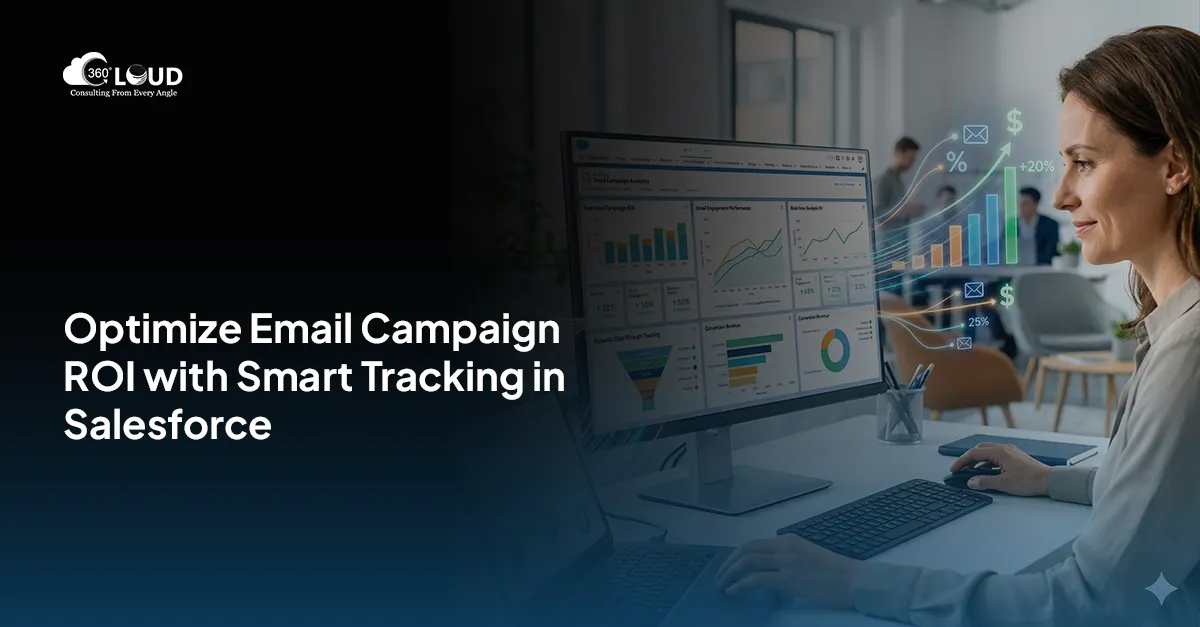
When it comes to nurturing client relationships over time, email channels top the list with a personal touch. Salesforce offers you powerful tools to send and track emails at scale. Sending emails from Salesforce tells you who’s opening your emails, clicking on the links within, and who’s not.
Tracking tools in Salesforce help you ensure that you don’t send repeat emails to customers who never open them at all.
Let’s explore how Salesforce allows you to send emails from Salesforce, track engagement, manage email lists, and configure Salesforce email-to-case.
Table of Contents
4 Must-Try Features of Salesforce for Sending & Tracking Emails
From personalized outreach to automated case handling, here are the top four features of Salesforce for sending and tracking emails.
1. List Email Capabilities
Salesforce’s Send List Email feature allows reps to send personalized emails to multiple recipients without exposing everyone on the list to each other. It creates separate messages to each contact or lead selected in a list. In addition to that, reps can now send list emails from Gmail, Office 365, or Exchange through Salesforce integration.
2. Open & Click Metrics
Enable enhanced email and advanced tracking in setup to track email performance. Once this feature is enabled, all outgoing emails will be saved as EmailMessage records. Reps can easily open status directly in the Activity timeline for Contacts, Leads, or Cases along with timestamps for first and last open.
3. Integration & Logging with Gmail & Outlook
With Einstein Activity Capture or Salesforce’s Gmail/Outlook add-ins, email logging and tracking becomes smooth. For Salesforce for Gmail, reps can install the Chrome extension and link their Gmail. This way, every sent email can be tracked and logged under relevant records. For Salesforce and Outlook, install the AppSource add-in, activate Outlook integration, and use the Salesforce pane to log emails to Leads or Contracts.
4. Inbound Email in Salesforce & Email-to-Case Setup
Email-to-case allows you to convert customer emails into cases automatically. When configured in the correct way, replying through case allows logging of inbound emails and responses. Email tracking on cases can show whether the sent responses were opened or clicked. However, Salesforce does not support sending list emails to multiple Cases once Email-to-Case is enabled.
The Bottom Line
Salesforce email tracking matters because it shows which prospects engage with your content, refines messaging with data, and helps you avoid sending emails to uninterested recipients to focus on engaged leads. By leveraging Salesforce email tools, you can listen to prospect signals, personalize their outreach, and streamline case resolution.
Ready to Amplify Your Salesforce Email Game? Talk to Us!
From setting up Email-to-Case to optimizing Send List Email workflows, our Salesforce experts can tailor solutions that drive real engagement.
Categories

Solve It with Salesforce. We’ll Show You How.
AI. Apps. Experts. Everything you need to win with Salesforce under one roof.Frequently Asked Questions
Can you use Salesforce to send emails?
Yes, absolutely. You can send emails directly from Salesforce—either one-on-one or to a list of leads and contacts. Whether you're using Classic or Lightning, sending emails from Salesforce helps keep all communication logged, tracked, and tied to your records. It’s a smart way to manage outreach without switching between platforms.
How do I send bulk emails from Salesforce?
To send bulk or mass emails in Salesforce, you can use the Send List Email feature in Lightning Experience. Just select the contacts or leads you want to reach, choose a pre-built email template, and hit send. Each recipient gets an individual email—so it’s personal, not spammy. For larger volumes, tools like Marketing Cloud or Pardot are ideal.
Can Salesforce generate emails?
Yes. Salesforce can generate and send automated emails based on user actions, workflow rules, or triggers. Whether it’s a welcome email for a new lead or an update on a support case, Salesforce handles it. You can also personalize the content using merge fields, making each message relevant and on-brand.
How to send list emails from Salesforce?
To send list emails from Salesforce, go to a lead or contact list view, select the recipients, and click Send List Email. From there, you can write your message or choose a template. This feature is great for sales follow-ups, event invites, or product updates—and it tracks opens and clicks too.

About the author
Editorial TeamThe Editorial Team at 360 Degree Cloud brings together seasoned marketers, Salesforce specialists, and technology writers who are passionate about simplifying complex ideas into meaningful insights. With deep expertise in Salesforce solutions, B2B SaaS, and digital transformation, the team curates thought leadership content, industry trends, and practical guides that help businesses navigate growth with clarity and confidence. Every piece we publish reflects our commitment to delivering value, fostering innovation, and connecting readers with the evolving Salesforce ecosystem.
Recent Blogs
 Industry
How Salesforce for Professional Services Fixes What Your Current CRM Can’t
Most professional services firms don’t fail because of bad work. They fail because of bad systems. Salesforce for professional services gives firms one place to track clients, manage projects, and see what’s actually…
Read More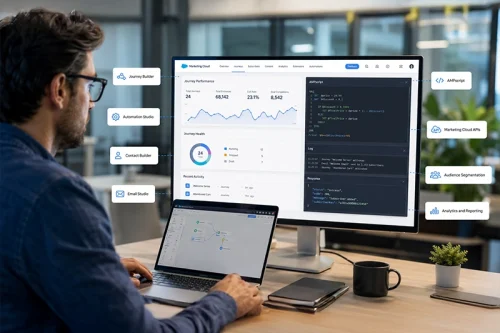 Salesforce Clouds
8 Salesforce Marketing Cloud Features Every Developer Should Know
Most marketers don’t think about what sits underneath their campaigns. The automation, the data pipelines, the personalization logic; that’s all developer territory. And as Salesforce Marketing Cloud features become more…
Read More Salesforce Clouds
Pardot vs Marketing Cloud: Key Differences Explained
Pardot vs Marketing Cloud has emerged as one of the most important questions that marketing professionals have to grapple with in order to succeed in the Salesforce environment. In…
Read MoreReady to Make the Most Out of Your Salesforce Instance?
Our Salesforce aces would be happy to help you. Just drop us a line at contact@360degreecloud.com, and we’ll take it from there!
Subscribe to our newsletter
Stay ahead with expert insights, industry trends, and exclusive resources—delivered straight to your inbox.
