

Sending Emails from Salesforce with Tracking & Automation
26 Mar 2026
Table of Contents
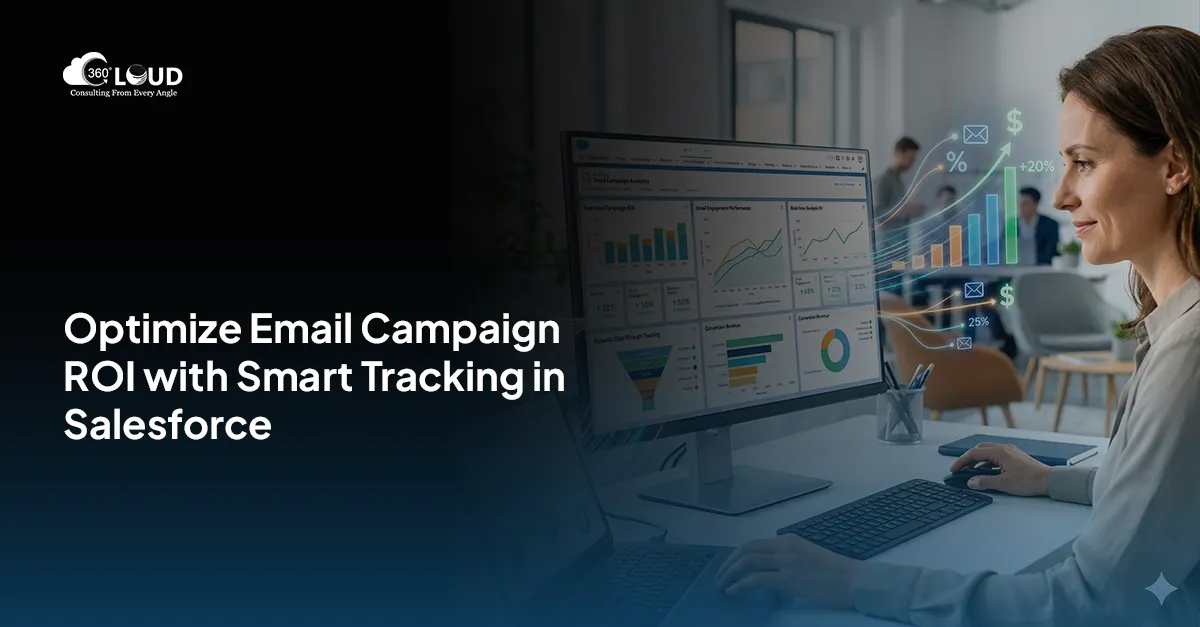
When it comes to nurturing client relationships over time, email channels top the list with a personal touch. Salesforce offers you powerful tools to send and track emails at scale. Sending emails from Salesforce tells you who’s opening your emails, clicking on the links within, and who’s not.
Tracking tools in Salesforce help you ensure that you don’t send repeat emails to customers who never open them at all.
Let’s explore how Salesforce allows you to send emails from Salesforce, track engagement, manage email lists, and configure Salesforce email-to-case.
Send & Track Emails Effectively in Salesforce
Table of Contents
4 Must-Try Features of Salesforce for Sending & Tracking Emails
From personalized outreach to automated case handling, here are the top four features of Salesforce for sending and tracking emails.
1. List Email Capabilities
Salesforce’s Send List Email feature allows reps to send personalized emails to multiple recipients without exposing everyone on the list to each other. It creates separate messages to each contact or lead selected in a list. In addition to that, reps can now send list emails from Gmail, Office 365, or Exchange through Salesforce integration.
2. Open & Click Metrics
Enable enhanced email and advanced tracking in setup to track email performance. Once this feature is enabled, all outgoing emails will be saved as EmailMessage records. Reps can easily open status directly in the Activity timeline for Contacts, Leads, or Cases along with timestamps for first and last open.
3. Integration & Logging with Gmail & Outlook
With Einstein Activity Capture or Salesforce’s Gmail/Outlook add-ins, email logging and tracking becomes smooth. For Salesforce for Gmail, reps can install the Chrome extension and link their Gmail. This way, every sent email can be tracked and logged under relevant records. For Salesforce and Outlook, install the AppSource add-in, activate Outlook integration, and use the Salesforce pane to log emails to Leads or Contracts.
4. Inbound Email in Salesforce & Email-to-Case Setup
Email-to-case allows you to convert customer emails into cases automatically. When configured in the correct way, replying through case allows logging of inbound emails and responses. Email tracking on cases can show whether the sent responses were opened or clicked. However, Salesforce does not support sending list emails to multiple Cases once Email-to-Case is enabled.
Unlock Advanced Email Insights & Engagement Tracking
The Bottom Line
Salesforce email tracking matters because it shows which prospects engage with your content, refines messaging with data, and helps you avoid sending emails to uninterested recipients to focus on engaged leads. By leveraging Salesforce email tools, you can listen to prospect signals, personalize their outreach, and streamline case resolution.
Ready to Amplify Your Salesforce Email Game? Talk to Us!
From setting up Email-to-Case to optimizing Send List Email workflows, our Salesforce experts can tailor solutions that drive real engagement.

Solve It with Salesforce. We’ll Show You How.
AI. Apps. Experts. Everything you need to win with Salesforce under one roof.Frequently Asked Questions
How does Salesforce help in sending and tracking emails?
Salesforce allows users to send emails, track open and click activity, log communications, and manage engagement directly within the CRM.
What is the Send List Email feature in Salesforce?
Send List Email enables users to send personalized emails to multiple recipients while keeping each email separate and private.
Can Salesforce track email opens and clicks?
Yes, Salesforce provides email tracking features that allow you to monitor open rates, click activity, and engagement timelines for each email.
How do I enable email tracking in Salesforce?
You can enable enhanced email and tracking in Salesforce setup, which logs all outgoing emails and tracks engagement metrics.
What is Einstein Activity Capture in Salesforce?
Einstein Activity Capture automatically logs emails and events from Gmail or Outlook into Salesforce, helping maintain accurate communication records.
Can I integrate Gmail or Outlook with Salesforce for email tracking?
Yes, Salesforce integrates with Gmail and Outlook, allowing users to send, track, and log emails directly from their inbox.
What is Email-to-Case in Salesforce?
Email-to-Case is a feature that converts incoming customer emails into support cases, enabling automated case management and tracking.
Can Salesforce track inbound emails as well?
Yes, Salesforce can log and track inbound emails, especially when using Email-to-Case or integrated email systems.
Why is email tracking important in Salesforce?
Email tracking helps identify engaged prospects, improve communication strategies, and avoid sending emails to uninterested recipients.
What are the benefits of email tracking in CRM?
Email tracking helps improve personalization, optimize campaigns, increase engagement, and support better decision-making.

About the author
Editorial TeamThe Editorial Team at 360 Degree Cloud brings together seasoned marketers, Salesforce specialists, and technology writers who are passionate about simplifying complex ideas into meaningful insights. With deep expertise in Salesforce solutions, B2B SaaS, and digital transformation, the team curates thought leadership content, industry trends, and practical guides that help businesses navigate growth with clarity and confidence. Every piece we publish reflects our commitment to delivering value, fostering innovation, and connecting readers with the evolving Salesforce ecosystem.
Recent Blogs
 Comparison
5 Salesforce Email Marketing Tools Compared: Features, Limits, and What Teams Actually Use in 2026
Picking the right email marketing software for Salesforce is harder than it looks. Not because options are scarce they aren’t. Every tool claims to “integrate…
Read More Comparison
Marketing Cloud Account Engagement (Pardot) vs. 360 Mass Mailer: Which Salesforce Email Tool Is Right for Your Team
If your team is hunting for a Marketing Cloud Account Engagement (formerly Pardot) alternative or just trying to figure out whether you’re paying for features…
Read More Email Marketing
Salesforce Mass Email Compliance Checklist: CAN-SPAM, GDPR, and Opt-Out Rules
Nobody flags the compliance gap until it costs something. A domain hits a blacklist. An ESP throttles sends after a bounce spike that nobody caught.…
Read MoreReady to Make the Most Out of Your Salesforce Instance?
Our Salesforce aces would be happy to help you. Just drop us a line at contact@360degreecloud.com, and we’ll take it from there!
Subscribe to our newsletter
Stay ahead with expert insights, industry trends, and exclusive resources—delivered straight to your inbox.
