

Send Mass Emails in Salesforce That Drive Opens, Clicks, and Conversions
Set up your sender, configure the right Salesforce object, and launch campaigns from the records your team already uses.
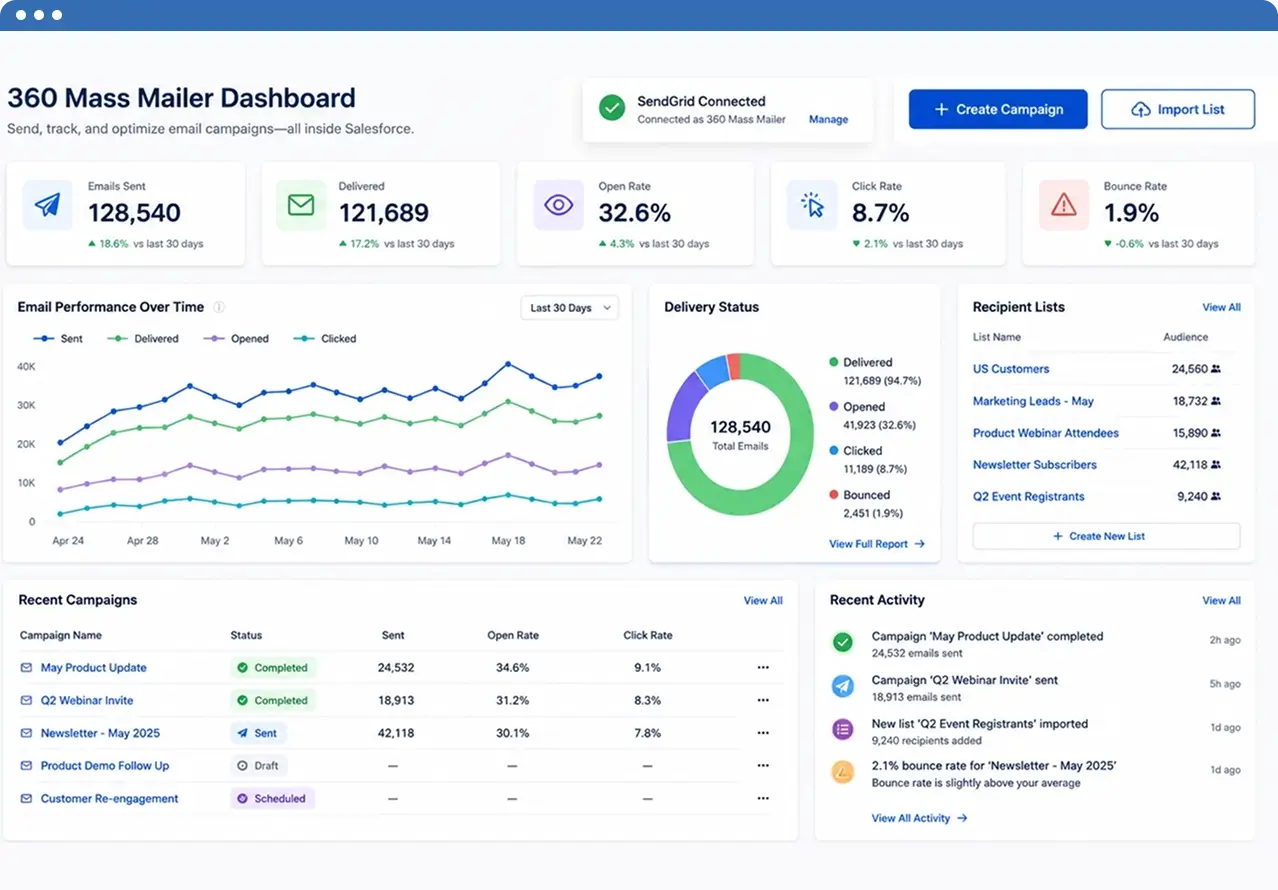
Install and Connect Your Email Sending Setup
Install 360 Mass Mailer in Salesforce and connect SendGrid inside the app. This turns it into a working Salesforce mass email sender for bulk campaign execution.
- Open Email Connect Setup after installation
- Review subscription and setup details
- Generate and add your SendGrid API key
- Save the connection to activate email sending
Configure the Salesforce Object for Email Sending
Configure the object you want to email from so the system uses the right email field and record structure. This makes 360 Mass Mailer a practical Salesforce bulk email tool across selected Salesforce objects.
- Create and open the EmailConfig tab
- Add the object you want to use for campaigns
- Select the default email field
- Add any extra email fields needed for sending
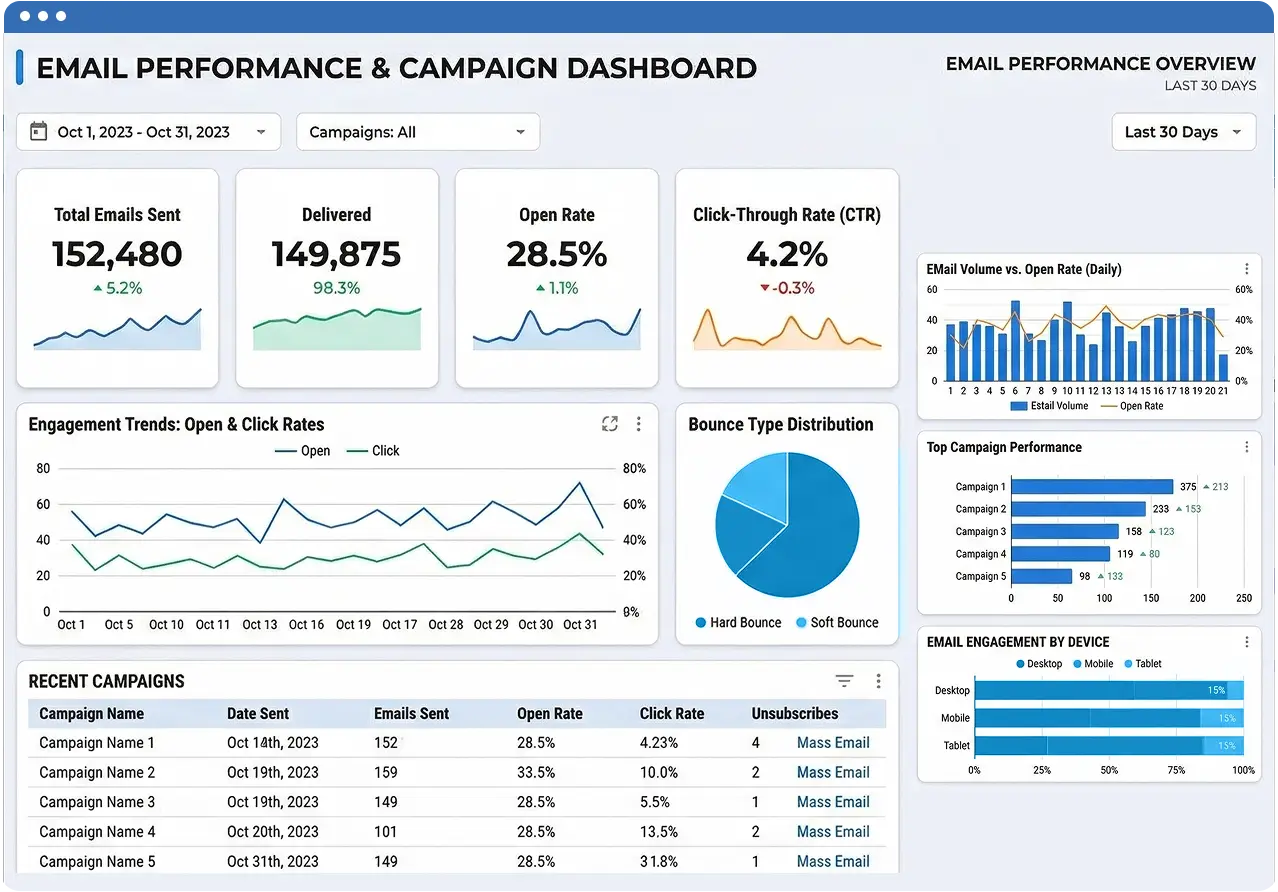

Launch Your Campaign from the Right Salesforce View
Add the Send Mass Email option where users already work. 360 Mass Mailer supports list views, campaigns, and reports, making it easier to create email campaigns in Salesforce.
- Add Send Mass Email to the object layout
- Enable it on the Campaign page layout if needed
- Use report-based sending with the right record ID setup
- Start campaigns directly from Salesforce records and views
Build, Schedule, and Track Your Email Campaign
Choose the sender, select recipients, build the message, and send now or later. As a Salesforce email campaign sender, 360 Mass Mailer supports templates, attachments, and tracking.
- Choose sender email type and verified sender
- Use Salesforce or SendGrid templates
- Add subject line, message, attachments, and send time
- Track delivery, opens, bounces, and email history in Salesforce

Subscribe to our newsletter
Stay ahead with expert insights, industry trends, and exclusive resources—delivered straight to your inbox.
