

How to Use Analyze Button to Improve Salesforce Lightning Load Speed?
13 May 2021
Table of Contents
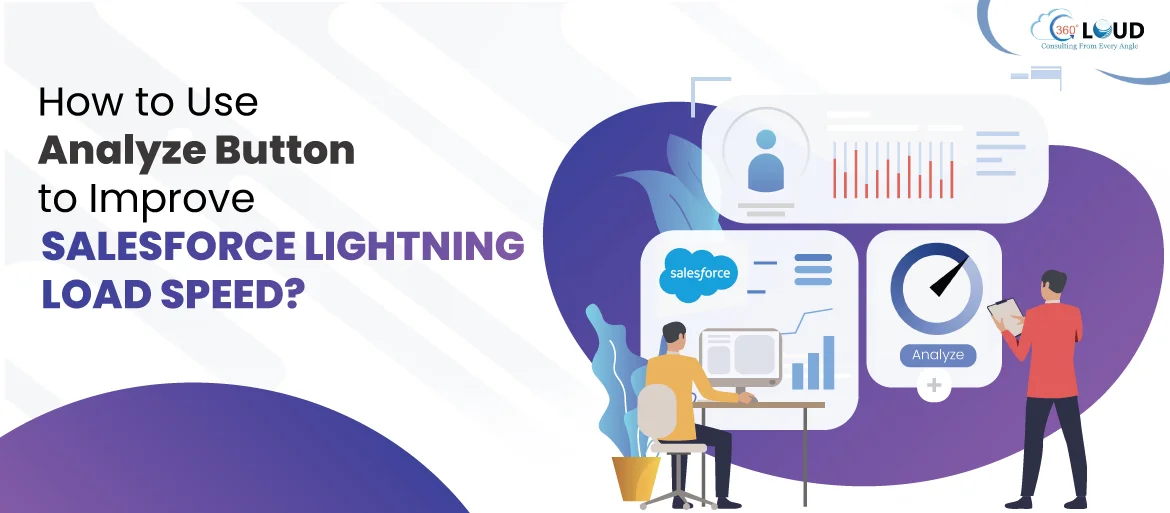
Salesforce Lightning experience has proved itself as a modern and intelligent user interface. It is a new generation productive user interface that helps sales and support teams to excel in their operations and achieve improved productivity. For sales teams, it works like wonder to close more deals and sell faster.
There are many Salesforce Lightning features and functionalities that enhance user experience. But there’s one thing that had been troubling the users, slow load speed. Many users complain that the load time for Lightning is way too slow. To help users, Salesforce added the ‘Analyze’ button with its Winter ‘21 release for Lightning page layouts to resolve slow load speed issues.
Table of Contents
What is Analyze Button?
You can find the Analyze button within the Lightning App Builder. With Analyze button, you can easily analyze instances of the Related Lists component, fields, and the metadata of any record page.
With the Analyze button, you can get a predicted page load time for desktop and a page performance index for mobile. It will also provide you best practices and suggestions that can improve page load time for enhancing user experience. Users can get the Analyze button for both standard and custom objects in Lightning Experience.
How to Analyze Salesforce Lightning Pages?
There are many factors affecting Salesforce Lightning load speed, and it might take a lot of time to find out the one behind your issue. But you can analyze any of your Salesforce Lightning pages to increase its load speed.
You can open your best or worst Lightning page layout and click on the cog. Then select Edit Page. From there, you’ll reach Lightning App Builder. There you’ll see the Analyze button on the top right corner. Then click Analyze to get instant recommendations. These recommendations can be segmented into two sections: desktop and phone.
- Desktop: After conducting the page analysis, you’ll see a predicted page load time. Even if it shows a moderate score, it won’t be too bad. But you should remember that every second count and the user always expects to get instant results. So you can work on improving the score. Page analysis helps to break down the performance by component, so we can identify the components which are causing issues.
- Phone: The page analysis for the phone (Salesforce mobile app) is more comprehensive. If you observe lower Page Performance, it will mean faster load time and vice-versa. Perform phone page analysis will provide you additional recommendations for improving load time. It will show the number of components that are too high and are affecting the performance. The page analysis also flags a component that can be responsible for causing issues in the performance of the mobile app.
Winding Up
You might already be using Lightning or planning for Salesforce Lightning migration, but when it is about user experience, page load time always matters. Apart from using the Analyze button, you can also consider taking some other measures at your end to improve load speed like, eliminating the unnecessary fields or ensuring that you are following the best practices for browser and network. But if you are stuck and needs help to handle your Salesforce org to improve productivity, reach out to our Salesforce consulting services with your concerns at sales@360degreecloud.com.
Categories

Solve It with Salesforce. We’ll Show You How.
AI. Apps. Experts. Everything you need to win with Salesforce under one roof.
About the author
Editorial Team – 360 Degree CloudThe Editorial Team at 360 Degree Cloud brings together seasoned marketers, Salesforce specialists, and technology writers who are passionate about simplifying complex ideas into meaningful insights. With deep expertise in Salesforce solutions, B2B SaaS, and digital transformation, the team curates thought leadership content, industry trends, and practical guides that help businesses navigate growth with clarity and confidence. Every piece we publish reflects our commitment to delivering value, fostering innovation, and connecting readers with the evolving Salesforce ecosystem.
Recent Blogs
 Salesforce Services
Top Salesforce Consulting Partners in India You Can Count On
The global CRM market size was valued to be around USD 112.91 billion in 2025 and is expected to grow from USD 126.17 billion in 2026 to…
Read More Salesforce Services
Salesforce Partners: What They Are, Partner Tiers & Why You Need One
Implementing Salesforce for business operations can often be described as buying a high-performance jet; no wonder it’s an incredible piece of machinery, but it won’t get you off the ground without a…
Read More Hire Staff
Hire a Salesforce Developer: 7 Reasons Your Business Needs One
Whenever a company starts getting Salesforce projects, and work starts to pile up, the first option that comes to their mind is to look for…
Read MoreReady to Make the Most Out of Your Salesforce Instance?
Our Salesforce aces would be happy to help you. Just drop us a line at contact@360degreecloud.com, and we’ll take it from there!
Subscribe to our newsletter
Stay ahead with expert insights, industry trends, and exclusive resources—delivered straight to your inbox.
