

AI Text Messaging for Business: What AI Agents Can (and Can’t) Handle
24 Nov 2026
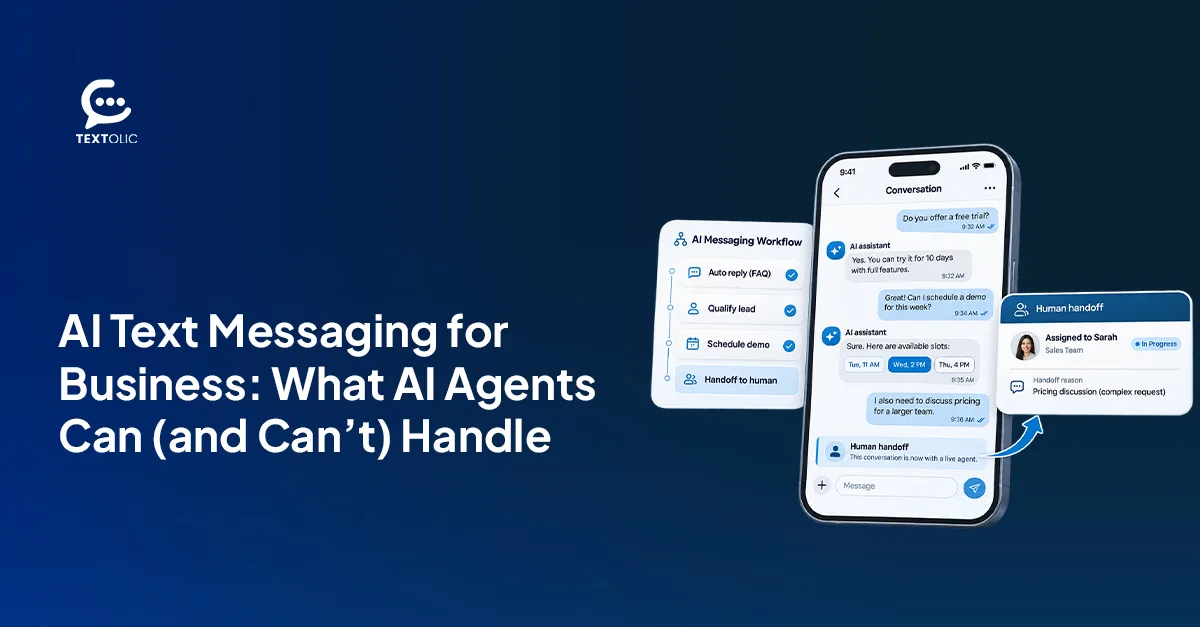
AI text messaging is the use of artificial intelligence in SMS and messaging workflows. AI can read and understand incoming texts, reply automatically, suggest responses to live agents, or trigger follow-up sequences based on contact behavior. It applies to both sides of the conversation: the automated side that runs without human input, and the assisted side that makes human responses faster.
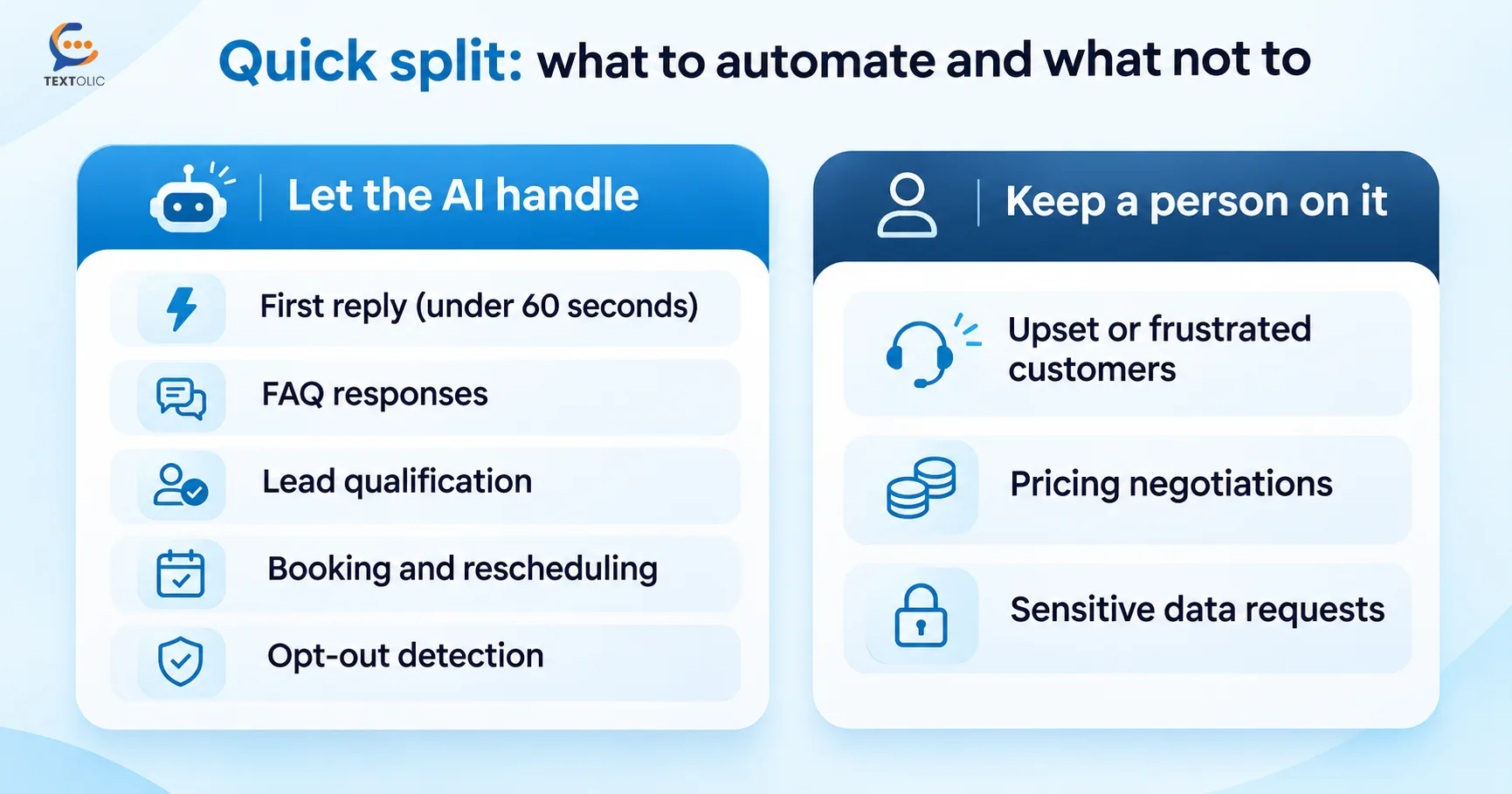
5 Jobs AI Handles Well over Text
Most teams aren’t overwhelmed because they’re bad at the work. They’re overwhelmed because too much of the work is repetitive and time-sensitive at the same time. AI texting for business is built for exactly that overlap. Here are the five places where it makes the biggest practical difference.
Picking up the first reply
The window between a contact texting in and your team getting to it matters more than most people assume. Response times under five minutes convert significantly better than anything after. That gap disappears the moment an AI SMS agent is in the picture.
The agent picks up the first message immediately. It confirms the inquiry, answers if it can, and routes correctly if it can’t. No lead sits cold waiting for someone to open the queue at 9am.
Handling FAQs
A surprising chunk of inbound volume is the same five questions: office hours, pricing tiers, service availability, turnaround time. An AI chatbot handles these without escalation. It pulls from the answers you’ve set up and replies in plain language. Worth saying: once the setup is done, your team doesn’t need to touch these at all.
Running qualifying questions
Before a salesperson gets on a call, it helps to know if the contact is a real fit. Conversational AI SMS can run a qualifying sequence over text, asking about company size, current tools, and timeline. By the time a person picks it up, there’s already context attached to the record.
Booking and rescheduling
Scheduling back-and-forth takes real time, and most of it is mechanical. An AI agent can offer available slots, confirm a booking, send a reminder, and handle a reschedule request, all over text. Nobody needs to be on the other end for this to work.
Processing opt-outs
This one matters more than it sounds. TCPA compliance requires honoring opt-out requests, but contacts don’t always write the word STOP. They say “please take me off your list” or “I don’t want these anymore” or “unsubscribe me.” Intent-based opt-outs read the actual meaning of the message, not just a keyword match. The contact is removed from future sends without anyone having to read it first.
Curious about what AI-powered messaging looks like inside a live workflow?
3 jobs AI shouldn’t handle, and how handoff works
There’s a line. Businesses that cross it are usually the ones who’ve had a bad experience where a customer replied angry and got an automated “Great! Thanks for reaching out!” in return.
Upset customers. When someone is frustrated, they want to feel heard. An automated reply that ignores tone makes it worse almost every time. These conversations need a person who can read what’s actually happening and respond to that, not just the surface-level text.
Pricing negotiations. Negotiation requires judgment. What is this contact worth? Is there room to flex? Should you hold the line or offer something? An AI agent can’t answer those questions, and trying to handle them with scripted responses will likely cost you the deal.
Sensitive data requests. If a contact sends a Social Security number, account credentials, or other private information, the agent should not process or store it. That belongs to a person, and in some cases, it needs a compliance review too.
How the handoff works
When any of these situations come up, the agent flags the conversation and routes it to a live inbox. The person who picks it up sees the full thread from the beginning, including every AI text message reply sent before them. Nothing is hidden. They don’t walk in cold.
The trigger can be keyword-based (someone writes “cancel” or “escalate”), sentiment-based (the system detects frustration), or rule-based (any mention of billing goes straight to a person). You set those rules.
Did You Know?
When a live agent picks up any conversation in Textolic, they see the complete AI-to-contact thread from the first message. Conversation analysis also surfaces the intent behind earlier messages, so the person inherits context, not just a raw transcript.
Consent and compliance for AI-sent messages
One thing that gets glossed over in a lot of AI texting conversations is this: TCPA consent rules don’t change based on who wrote the message. If an AI agent sends a text on your behalf, you need prior written consent from the recipient. Same as if a person typed it.
The same logic applies to AI voice. In February 2024, the FCC ruled that AI-generated voices count as “artificial or prerecorded” under the TCPA, which means prior consent is required before using an AI voice agent on outbound calls. This closed what some businesses were treating as a loophole.
In practice, the safest approach is to collect consent before the AI agent ever touches a contact. For a full breakdown of what opt-in and opt-out requirements look like for text messaging, the opt-in rules guide here covers both manual and automated sends.
Running AI-sent messages without confirmed consent is a compliance gap. Let’s close it.
AI across texts and calls: one record, one history
Here’s a problem that doesn’t get addressed enough. When messaging and calling live in separate tools, context disappears between them. A contact texts in, the AI agent replies a few times, then they call. The person on the call has no idea what the text conversation covered. So they ask again. And the contact, who already answered that question twice, loses patience.
In Textolic, the AI-powered messaging and AI voice agents run on the same platform. The conversation history is shared. If a contact switches from text to call, the person picking up has full visibility into what was already discussed, without asking.
AI-suggested replies work across both channels too. When a person picks up a conversation, whether it started over text or came in as a call log, they get context-based reply suggestions built from the full thread, not just the last message.
That’s the thing. The AI isn’t managing one inbox in isolation. It’s working across text, voice, and WhatsApp from one place, and all of it lands in a single thread. For teams running outreach across channels, that removes a real coordination overhead.
How to roll it out in 30 days, starting with one use case
The fastest way to get AI text messaging working is to pick one use case and start there. Not everything at once.
A good starting point is the first-reply flow. Turn the AI agent on for inbound texts, let it handle the initial response and FAQ-level questions, and route everything else to your team. Run that for two weeks. Look at what the AI handled correctly, where it got stuck, and which conversations your team had to pick up.
Week three, layer in qualifying questions. Set up the sequence, run it with a small batch, and adjust based on how contacts respond.
By the end of week four, you have an AI layer handling first replies, common questions, lead qualification, and flagged escalations. That’s a real reduction in manual work, and it gives you a solid base before adding AI drips, booking flows, or voice.
Don’t skip the review step. Conversation analysis in Textolic shows where contacts are dropping off, what the agent is getting wrong, and which flows need adjustment. Use that data before scaling anything.
If you want a quick read on what the numbers might look like for your team, the ROI calculator is a practical starting point.
Wrapping up
AI text messaging works for the jobs that benefit from speed and consistency: first replies, FAQs, qualifying, booking, and opt-outs. It doesn’t replace judgment for conversations that actually need it. The handoff between AI and a person should be clean, fully logged, and easy to pick up without starting over. That’s the standard worth holding to.

Solve It with Salesforce. We’ll Show You How.
AI. Apps. Experts. Everything you need to win with Salesforce under one roof.Frequently Asked Questions
Is AI texting legal?
Yes, with the right consent in place. AI-sent text messages fall under the same TCPA rules as manually sent ones. Prior written consent from the recipient is required before the AI agent contacts them. Failing to collect that consent exposes you to the same penalties as any other unsolicited text message, regardless of whether a person or an AI agent wrote it.
Should customers be told they’re talking to an AI?
Federal law doesn’t require disclosure for AI text messaging right now, but several states have rules around it, and the FCC’s transparency expectations are growing, especially for AI voice calls. Most businesses disclose it anyway, partly for legal safety and partly because customers tend to trust the brand less when they find out later they weren’t told upfront.
What happens when the AI doesn’t know the answer?
The agent flags the conversation and routes it to a live inbox. The person who picks it up sees the full thread, including everything the AI sent before them, so they don’t have to ask the contact to repeat themselves. You can also set the AI to say something like “Let me get someone who can help” before routing, so the contact knows what’s happening.
Does it work on WhatsApp and RCS?
Yes. Textolic supports AI-powered messaging across SMS, WhatsApp, and RCS from one platform. The same AI agent, qualification flows, and opt-out detection apply across all three channels. Conversation history is unified, which means a contact who messages on WhatsApp and then texts gets treated as one thread, not two separate contacts in two different inboxes.

About the author
Editorial TeamThe Editorial Team at 360 Degree Cloud brings together seasoned marketers, Salesforce specialists, and technology writers who are passionate about simplifying complex ideas into meaningful insights. With deep expertise in Salesforce solutions, B2B SaaS, and digital transformation, the team curates thought leadership content, industry trends, and practical guides that help businesses navigate growth with clarity and confidence. Every piece we publish reflects our commitment to delivering value, fostering innovation, and connecting readers with the evolving Salesforce ecosystem.
Recent Blogs
 Two-Way Texting & Engagement
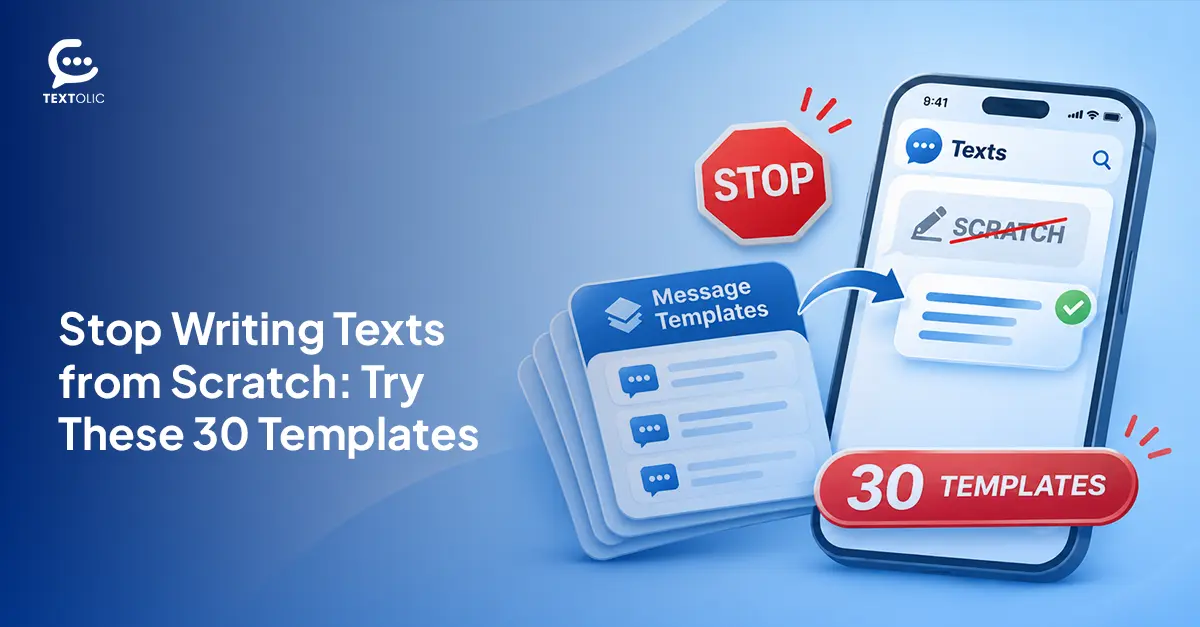
30 Text Message Templates Your Team Will Actually Use
When users are about to launch or text campaign, the most difficult and time-consuming part is writing a message from scratch. This not only needs…
Read More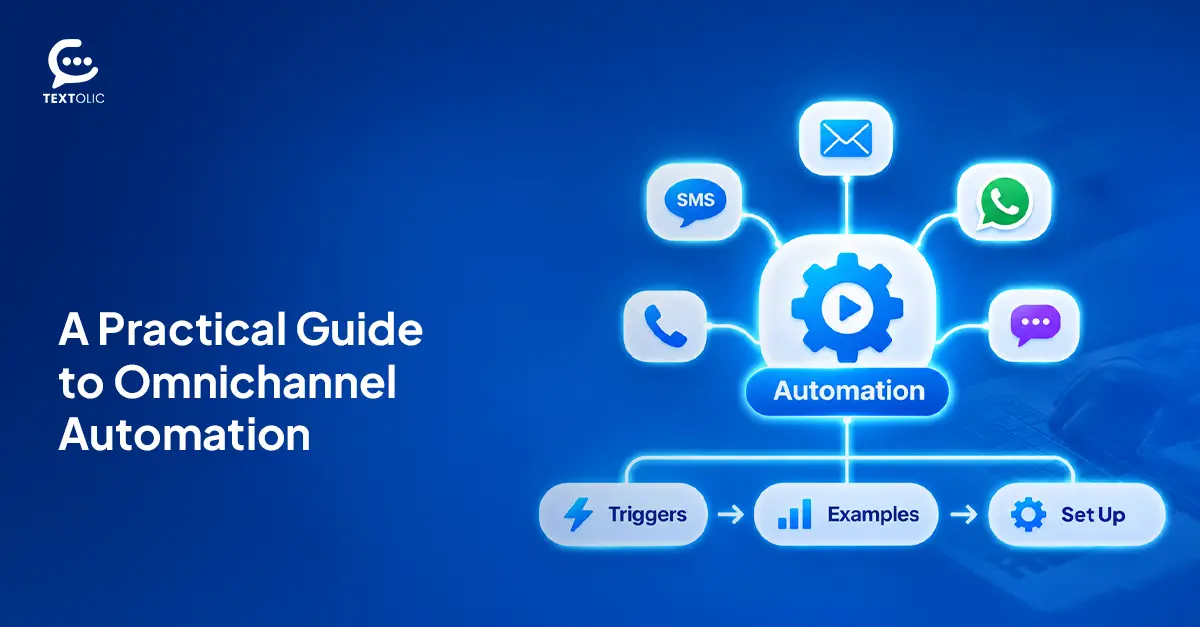 Multichannel Messaging
What Is Omnichannel Automation? Triggers, Examples & How to Set It Up
Omnichannel automation sends the right message, on the right channel, the moment a customer takes action. A form fill, a missed deadline, a deal moving…
Read More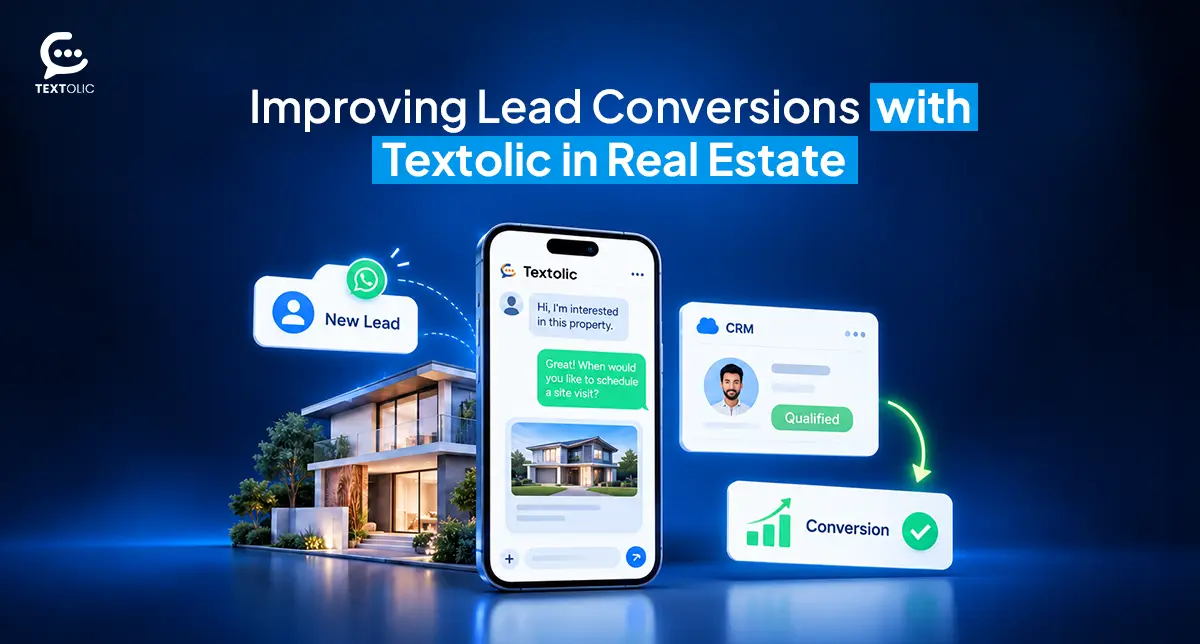 Industry Solutions
How a Real Estate Company Improved Lead Conversions with Textolic
A growing real estate company in the US wanted to convert more property enquiries into sales opportunities but struggled to maintain consistent communication across its…
Read MoreReady to Make the Most Out of Your Salesforce Instance?
Our Salesforce aces would be happy to help you. Just drop us a line at contact@360degreecloud.com, and we’ll take it from there!
Subscribe to our newsletter
Stay ahead with expert insights, industry trends, and exclusive resources—delivered straight to your inbox.