

Table of Contents
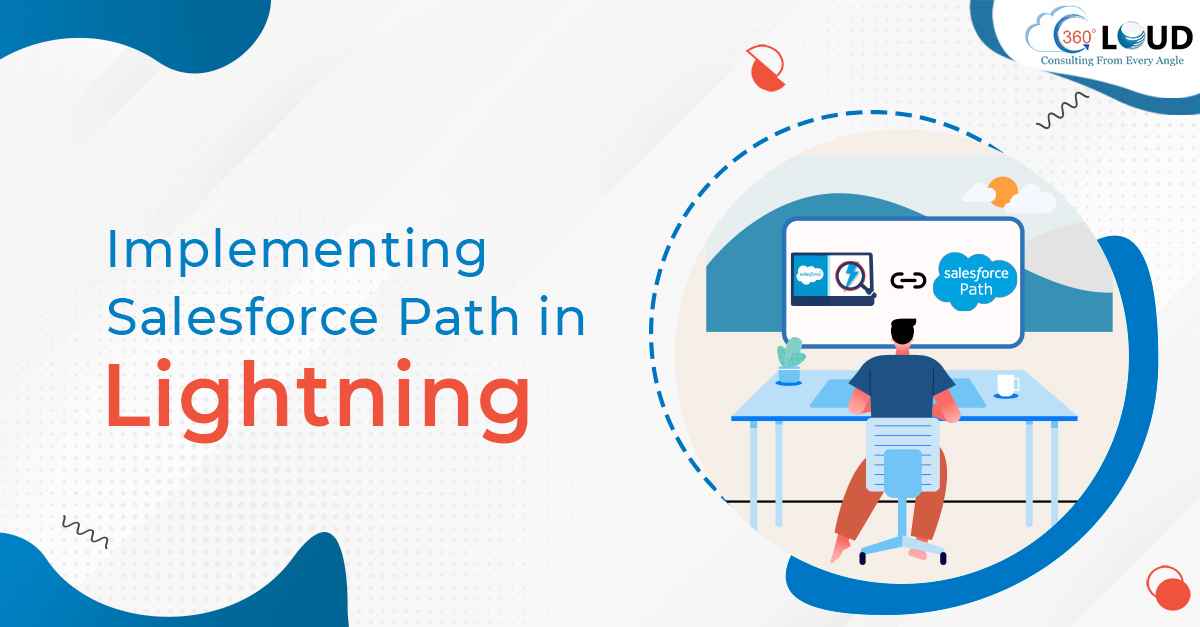
Salesforce developers use Salesforce Path as a successful visualization tool that helps users as a guide along any particular path to reach a final goal. One thing that is important to remember is that you can only work with Salesforce Path in Lightning. Salesforce Path has five key fields and offers guidance throughout the Path stages to help users succeed while working with Salesforce.
Before you start working with Path, you need to give emphasis on implementing it in Lightning the right way. You need to follow some steps to make sure you are successfully setting up a Path in Salesforce.
Table of Contents
Steps to Implement Salesforce Path in Lighting
Now we know that Salesforce Path has its own importance for users as a guidance manual. But that will only work best if you have implemented it right. Here we have mentioned some steps to follow to implement Salesforce Path in Lightning.
1. Create a New Record Type
You would have to first create a record type on the object on which you need to create the Path. This step is important because the Path will make use of Picklists from multiple objects that will act as points throughout the Path. Always remember that having multiple use cases for opportunity might create an issue you have not created a record type for the Path.
2. Enable the Path
Go to the Setup and type Path in the search box. This is how you will find the Path Settings. After you reach settings, click Enable. You will then have to select if you want the path to member its previous state. If you won’t select it then the details of the path will be hidden whenever the page loads in Salesforce.
3. Create Path
In this step, you’ll be creating the Path by providing all the necessary information. Pick a name for it and select the object on which you’ll be using the Path. Then choose the Record Type you’ll be using. Finally, click Next to move forward with the process.
4. Choose your Key Fields
In this step, you’ll have to select the key fields. You can choose up to five key fields to help users with the Path. The Guidance for Success can be linked to the sharable Files in Salesforce. Once you have added all the necessary information at each stage, click Next to continue.
5. Activate Path
When you this stage, you’ll have to select if you want any fun confetti animation to be added and if you want to finally get your Path activated.
Get the Best Out of Salesforce Path in Lightning
The above-mentioned steps will help you implement Salesforce Path in Lightning. You can follow the same process to create as many Paths as you need for your Salesforce org.
But if you are not well-versed with Salesforce Path, consider reaching to a Salesforce consulting firm to know it all. Contact us to understand Salesforce Path in a better way and learn how it can work well for you.
Categories

Solve It with Salesforce. We’ll Show You How.
AI. Apps. Experts. Everything you need to win with Salesforce under one roof.
About the author
Editorial TeamThe Editorial Team at 360 Degree Cloud brings together seasoned marketers, Salesforce specialists, and technology writers who are passionate about simplifying complex ideas into meaningful insights. With deep expertise in Salesforce solutions, B2B SaaS, and digital transformation, the team curates thought leadership content, industry trends, and practical guides that help businesses navigate growth with clarity and confidence. Every piece we publish reflects our commitment to delivering value, fostering innovation, and connecting readers with the evolving Salesforce ecosystem.
Recent Blogs
 Salesforce Clouds
Salesforce CPQ to Revenue Cloud Migration: Why the Orgs That Waited Are Now Playing Catch-Up
There’s a boardroom conversation that happened at a lot of companies between 2022 and 2024. RevOps brings up Salesforce CPQ to Revenue Cloud migration. Finance asks what…
Read More AI and Agentforce
Agentforce Enabled by Default: What Every Salesforce Admin Needs to Know Before Winter ’27
Salesforce releases usually arrive with a to-do list. Sandbox testing, a few toggle decisions, maybe a quick training doc for end users. Agentforce Winter ’27 is a different situation. …
Read More Salesforce Services
Salesforce License Optimization: How to Cut Costs by 30% Before Your Next Renewal
Most companies overpay for Salesforce. Not by a little – by 20 to 30%. And the frustrating part? Nobody planned for it. License waste doesn’t announce itself. It compounds quietly, quarter by…
Read MoreReady to Make the Most Out of Your Salesforce Instance?
Our Salesforce aces would be happy to help you. Just drop us a line at contact@360degreecloud.com, and we’ll take it from there!
Subscribe to our newsletter
Stay ahead with expert insights, industry trends, and exclusive resources—delivered straight to your inbox.
