

Table of Contents
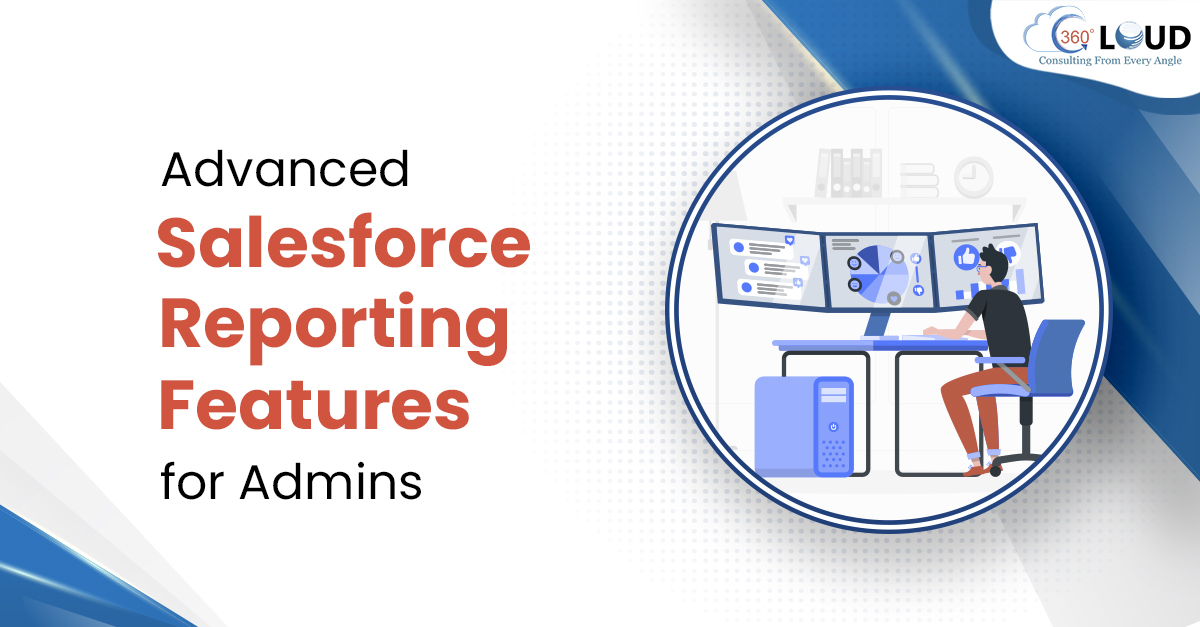
Among the immeasurable reasons to consider Salesforce, there’s one thing that attracts users to this CRM. The provision to create customized and retailed reports has provided Salesforce users to easily analyze the performance and work towards the needed improvement. There are many advanced Salesforce reporting features that admins can access to boost their reporting and decision-making process.
Salesforce reporting allows teams to get many views into their data and analyze all the details and demonstrate the value. Every user excepts to work with such features that cut down the time invested in reports and Salesforce allows them to do so.
Table of Contents
4 Advanced Salesforce Reporting Features for Administrators
Any powerful and experienced Salesforce admin should know about the tricks that would help him with Salesforce reporting. With this context, we have listed some of the important advanced Salesforce reporting features to speed up the process of creating reports.
1. Exception Reports
Salesforce admins need to use Cross Filters to create these types of reports. These filters can be created related to the record type of your choice. These kinds of reports are created to show users where their Salesforce data does not exist in the org. Admins can make use of Cross Filter to do so. These filters help to filter out the child objects related to the mentioned primary objects.
2. Custom Summary Formulas
When it is about calculating complex data from the summary, Salesforce admins can make use of custom support formulas while creating reports. These formulas can be added to the report just like any other field is added.
These formulas are used for creating and moving averages, calculating the total of different groupings, and performing further complex calculations.
3. Historical Trend Reporting
This feature is a newer reporting feature in Salesforce. Salesforce developers and admins can use this feature for tracking any changes with the data, on a daily or weekly basis. You can easily track data using this feature for up to 8 fields related to Opportunity. Also, it enables you to track data for up to 3 custom objects.
4. Custom Report Types
One drawback with standard reports is that they can be created only by using two objects, connected through a ‘with’ relationship. But if you want to work with other relationships, the best approach is to use custom report types.
These reports allow admins to select relationships they want to create. They also allow Salesforce admins to choose the relevant Salesforce objects for the report. With custom report type, you can use up to 4 objects while creating Salesforce reports and create relationships amongst all of them.
Use Advanced Salesforce Reporting Features to Quickly Create Reports
Reporting is important to evaluate all the progress made so far and analyze teams’ performance. But spending a lot of time on reports can be frustrating and can decrease time with customers. That’s where these advanced Salesforce reporting features can help.
Simplify your reporting process in many folds with the assistance of our Salesforce experts. Connect with us to know how you can upgrade your reporting process.
Categories

Solve It with Salesforce. We’ll Show You How.
AI. Apps. Experts. Everything you need to win with Salesforce under one roof.
About the author
Editorial TeamThe Editorial Team at 360 Degree Cloud brings together seasoned marketers, Salesforce specialists, and technology writers who are passionate about simplifying complex ideas into meaningful insights. With deep expertise in Salesforce solutions, B2B SaaS, and digital transformation, the team curates thought leadership content, industry trends, and practical guides that help businesses navigate growth with clarity and confidence. Every piece we publish reflects our commitment to delivering value, fostering innovation, and connecting readers with the evolving Salesforce ecosystem.
Recent Blogs
 Salesforce Services
What is Salesforce Implementation? Everything Decision-Makers Need to Know Before They Start
Most companies don’t buy Salesforce and then wonder what to do with it. They buy Salesforce because something is broken – deals are being tracked…
Read More Salesforce Clouds
Marketing Cloud Engagement to Next: What Actually Has to Be Rebuilt
Nobody tells you this upfront, but migrating from Marketing Cloud Engagement to Marketing Cloud Next isn’t a lift-and-shift. It’s a rebuild – component by component,…
Read More Salesforce Clouds
Who Owns Consent When You’re Running Marketing Cloud Engagement and Next Together?
Running Marketing Cloud Account Engagement and Marketing Cloud Next side by side? A lot of Salesforce customers are doing exactly that right now – either…
Read MoreReady to Make the Most Out of Your Salesforce Instance?
Our Salesforce aces would be happy to help you. Just drop us a line at contact@360degreecloud.com, and we’ll take it from there!
Subscribe to our newsletter
Stay ahead with expert insights, industry trends, and exclusive resources—delivered straight to your inbox.
