

Address Validation Tool for Salesforce: How to Keep Mailing Data Accurate at Scale
01 Sep 2026
Table of Contents
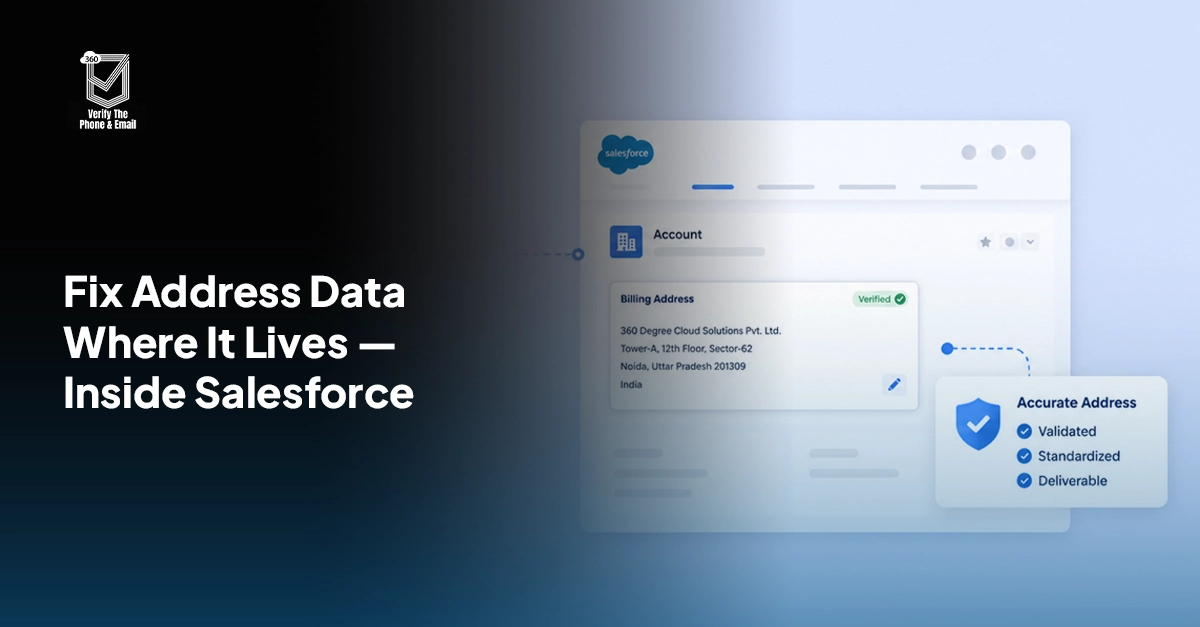
Most Salesforce teams spend real time cleaning email lists and scrubbing phone numbers. Address data? That usually gets ignored until something breaks: a returned mail batch, a field rep driving to a building that no longer exists, or a compliance audit flagging records with missing zip codes.
Salesforce address validation isn’t a niche problem. It’s one of the more quietly expensive data quality gaps a CRM team can have.
If your team sends direct mail, runs territory-based routing, or operates in any regulated industry, inaccurate address records are not just inconvenient. They cost money.
Does address data in regulated industries create compliance risk, not just deliverability problems?

Table of Contents
Why Does Address Data Go Bad in Salesforce?
Short answer: because no one’s stopping it at the door. Contacts move. Companies relocate. Sales reps key in addresses fast, sometimes from memory. Web-to-Lead forms accept whatever the prospect types, which might be incomplete, abbreviated, or just wrong. Imported lists from acquired databases bring their own mess of inconsistent formats and outdated locations.
Here’s what makes address decay worse than email decay: there’s no bounce signal. A bad email address fails visibly. A bad mailing address just… disappears into the postal system. You find out weeks later when the piece comes back. Or worse, you never find out at all.
Format inconsistencies compound this fast. One record has “St.” Another has “Street.” A third has no state at all. Over thousands of records, that’s not a data hygiene issue. That’s a routing and deliverability problem waiting to surface at scale.
What Happens When Mailing Addresses Are Wrong
Most teams don’t feel the pain until it’s expensive. But it shows up in predictable ways.
Direct mail returns. Physical pieces come back undelivered, and you’ve already paid for print, postage, and handling. For campaigns running thousands of pieces, the sunk cost adds up fast.
Field sales gets dispatched to wrong locations: outdated office addresses, moved contacts, or suite numbers that no longer exist. That’s not a minor inconvenience. It’s a wasted visit and a missed opportunity.
Territory assignments break when postcode data is wrong. If your routing logic relies on zip or postal codes, records with bad or missing codes either fall outside all territories or get assigned incorrectly. Your coverage maps look clean in Salesforce and are meaningless in practice.
And in regulated industries (healthcare, financial services, legal) accurate mailing address is often a compliance requirement. That’s a different category of risk entirely.
What to Look for in a Salesforce Address Validation Tool
Not all address validation tools are worth plugging into a Salesforce org. A few things separate the ones that actually work from the ones that create more overhead than they solve.
The first question is whether it’s Salesforce-native or API-based. A native AppExchange app runs inside your org. No data hits an external endpoint, no middleware dependency, no developer needed to wire it up. API-based tools can work, but you’re adding integration complexity and usually a developer ticket just to get started.
Real-time validation matters more than people expect. Catching a bad address at record creation is always cheaper than cleaning it from a backlog six months later. Look for tools that trigger on record save through Salesforce Flow.
Batch processing is non-negotiable if you have existing data. And most orgs do. A tool that only validates new records is solving half the problem.
International support. This one trips teams up. If you have contacts outside the US, USPS-only validation is useless for a big chunk of your database. Royal Mail, Canada Post, and broader international postal standards should be covered out of the box, not as an add-on.
And honestly, admin setup complexity is where a lot of these tools fall apart in practice. If you need a developer to enable address validation, it’s going to sit on a backlog. Admins should be able to configure it themselves.
Salesforce Address Validation Tools Compared: 360 Verify the Email vs. SmartyStreets vs. Loqate
There’s no shortage of address verification software on the market. The question is which ones actually work inside Salesforce without requiring a developer, a middleware layer, and three weeks of setup. Here’s how the main options stack up across the criteria that matter for Salesforce admins and ops teams.
| Feature | 360 Verify the Email (VTM) | SmartyStreets | Loqate |
| Salesforce-native (AppExchange) | Yes | No (API-based) | No (API-based) |
| Real-time validation on record save | Yes | With custom dev work | With custom dev work |
| Bulk / batch processing | Yes | Yes | Yes |
| International address support | Yes | Yes (limited) | Yes |
| Email + Phone + Address in one app | Yes | No | No |
| Admin setup without developer | Yes | No | No |
| Salesforce Flow native support | Yes | Requires custom code | Requires custom code |
The column that matters most is the second-to-last one: email, phone, and mailing address validation in one app. Most teams piecing together a data quality setup end up with three separate vendors, three separate configurations, and three separate places to check when something breaks. 360 VTM/VTP consolidates that. One install, one place to manage it.
How 360 Verify the Email Handles Address Validation Inside Salesforce
360 VTM/VTP includes Verify the Address (VTA), built into the product and running natively inside Salesforce. No external API connection involved.
When a contact or lead is created or updated, VTA checks the address against supported postal standards, flags anything incomplete or undeliverable, and returns a standardized version. The whole process happens inside your org. Nothing leaves to hit a third-party endpoint, which matters if your team has data governance requirements.
US records validate against USPS standards. International coverage spans UK, Canada, Europe, and a broader set of postal formats. You’re not running one tool for US addresses and a separate one for everyone else.
Real-time validation handles new records as they come in. For existing data, you run the batch process directly from the VTM interface. No Flow required, no developer involved. Each validated record gets a log entry: when it was checked, what the result was, and whether the address was corrected. That audit trail matters more than it sounds, especially if you’re running compliance-sensitive mailing programs.
How do real-time and bulk verification work together to keep all your Salesforce contact data clean?

How to Validate Addresses in Salesforce with 360 VTM/VTP
No developer required. Here’s how the setup actually goes.
Step 1: Install 360 VTM/VTP from AppExchange. Find the app, install into your org. Do it in a sandbox first. Takes ten minutes and saves you from surprises in production. Grant permissions to the users who need access before moving on.
Step 2: Enable address validation in the VTM config. Inside the app settings, locate Verify the Address and turn it on. This is also where you set preferences: which address fields to check, how to handle partial matches, what status to assign unvalidated records.
Step 3: Build a record-triggered Flow in Flow Builder. Set it to fire on Contact or Lead creation and updates. This is the most important configuration decision: are you validating on create only, or catching edits too.
Step 4: Add the VTM address validation action inside the Flow. It shows up in the action picker once the app is installed. Straightforward to find.
Step 5: Map address fields and set response handling. Connect Street, City, State, Zip, and Country to the VTM action inputs. Then decide what the Flow does with the result: auto-update the record, flag it for admin review, or write the validation status to a custom field. Most teams do the latter. Keeps a clean record of what’s been checked.
Step 6: Activate, then test with a real address. Create a test Contact with a known valid address and one with a deliberately bad one. Confirm the Flow fires, the VTM response comes back correctly, and your field mapping behaves as expected. If something’s off, it’s usually the field mapping on Step 5.
For bulk validation of existing records, skip Flow entirely. Run the batch process straight from the VTM interface.
One More Thing Worth Saying
Address data isn’t glamorous. It doesn’t have the same urgency as email deliverability or phone reachability. But it’s the same underlying problem: records that look complete aren’t actually usable. And unlike a bounced email, a bad address fails silently.
If your team manages any volume of direct mail, field sales, or territory assignments inside Salesforce, address validation is the piece of your data quality stack that’s probably missing.


Solve It with Salesforce. We’ll Show You How.
AI. Apps. Experts. Everything you need to win with Salesforce under one roof.Frequently Asked Questions
How do I validate addresses natively inside Salesforce?
You need an AppExchange app that runs inside your org and connects to Salesforce Flow, not an external API that your records get sent to. 360 VTM/VTP handles this through Verify the Address (VTA): you build a record-triggered Flow, drop in the VTM action, map your address fields, and activate. From that point it runs automatically on new and updated records. No code involved.
What is the best address validation tool for Salesforce on AppExchange?
Depends what you already have. If you're running separate tools for email verification and phone verification, you've already got vendor sprawl. 360 VTM/VTP covers all three in one install (address, email, and phone) with one configuration interface and one set of logs per record. Whether that matters to you depends on how much you care about keeping your data quality stack consolidated.
Does 360 Verify the Email support international address validation in Salesforce?
Yes, and this is worth checking carefully with any tool you evaluate. US-only USPS validation is common and it's a real limitation if you've got contacts in the UK, Canada, or Europe. VTA covers international postal formats, so you're running one process across your whole database rather than carving out exceptions by region.

About the author
Editorial TeamThe Editorial Team at 360 Degree Cloud brings together seasoned marketers, Salesforce specialists, and technology writers who are passionate about simplifying complex ideas into meaningful insights. With deep expertise in Salesforce solutions, B2B SaaS, and digital transformation, the team curates thought leadership content, industry trends, and practical guides that help businesses navigate growth with clarity and confidence. Every piece we publish reflects our commitment to delivering value, fostering innovation, and connecting readers with the evolving Salesforce ecosystem.
Recent Blogs
 360 Verify The Mail
Salesforce Email Verification Pricing Guide 2026
Choosing an email verification tool based only on the cost per credit can lead to the wrong decision. The real Salesforce email verification pricing picture includes the…
Read More 360 Verify The Mail
ZeroBounce vs 360 Verify the Email: Which Is Better for Salesforce Email Verification
ZeroBounce is one of the most widely used email verification platforms on the market. It’s got a large API, AI-powered email scoring, inbox placement testing, and a detailed…
Read More 360 Verify The Mail
Salesforce Email Verification Compliance Checklist: GDPR, HIPAA, and Data Privacy Rules
Email and phone verification looks like a data-quality task. From a privacy perspective, it is also data processing. A verification tool may inspect, transmit, classify, store, or log identifiers tied…
Read MoreReady to Make the Most Out of Your Salesforce Instance?
Our Salesforce aces would be happy to help you. Just drop us a line at contact@360degreecloud.com, and we’ll take it from there!
Subscribe to our newsletter
Stay ahead with expert insights, industry trends, and exclusive resources—delivered straight to your inbox.
